Print-on-Demand & E-Commerce Experience
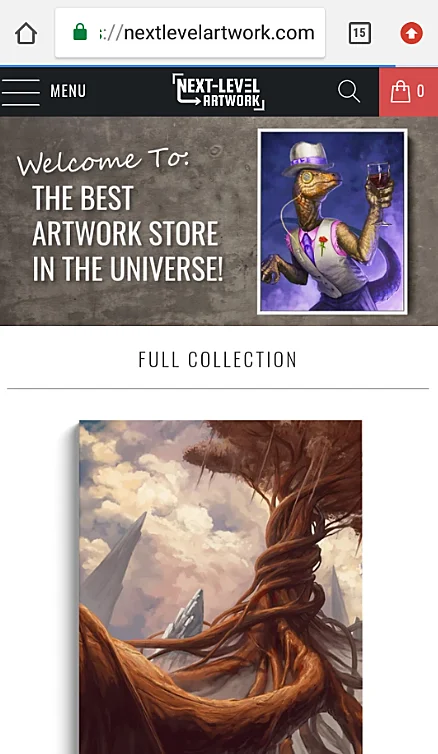
Anton previously founded and operated Next-Level Artwork starting in 2020, an independent print-on-demand e-commerce business specializing in posters and canvas wall art. The business operated through a Shopify-hosted storefront, with products manufactured and fulfilled using print-on-demand services including Printify, Printful, and Gooten. Over time, the store's catalog grew to encompass thousands of product listings featuring artwork across categories such as abstract art, landscapes, photography, astronomy, fantasy, science fiction, and more.
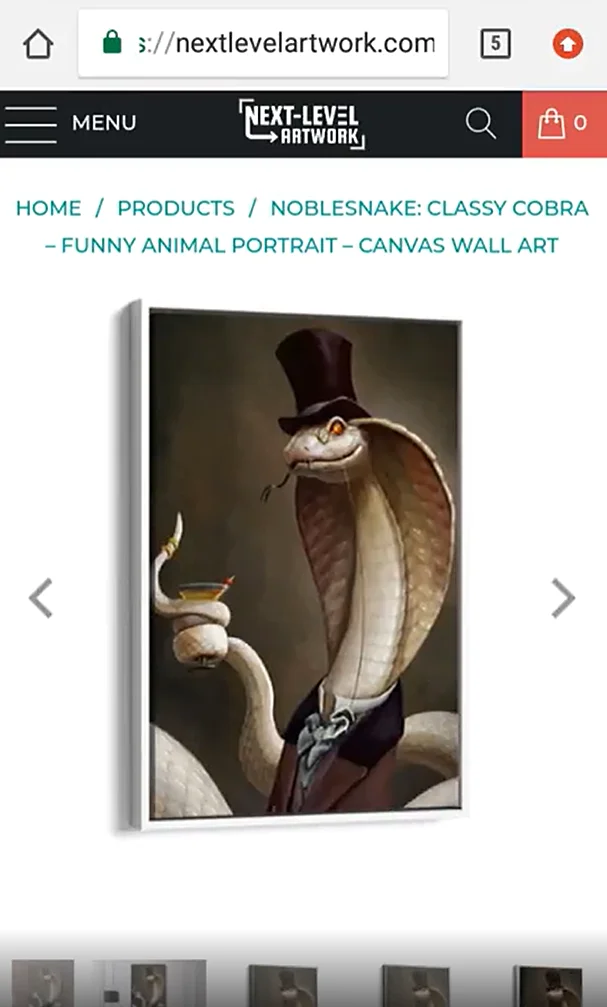
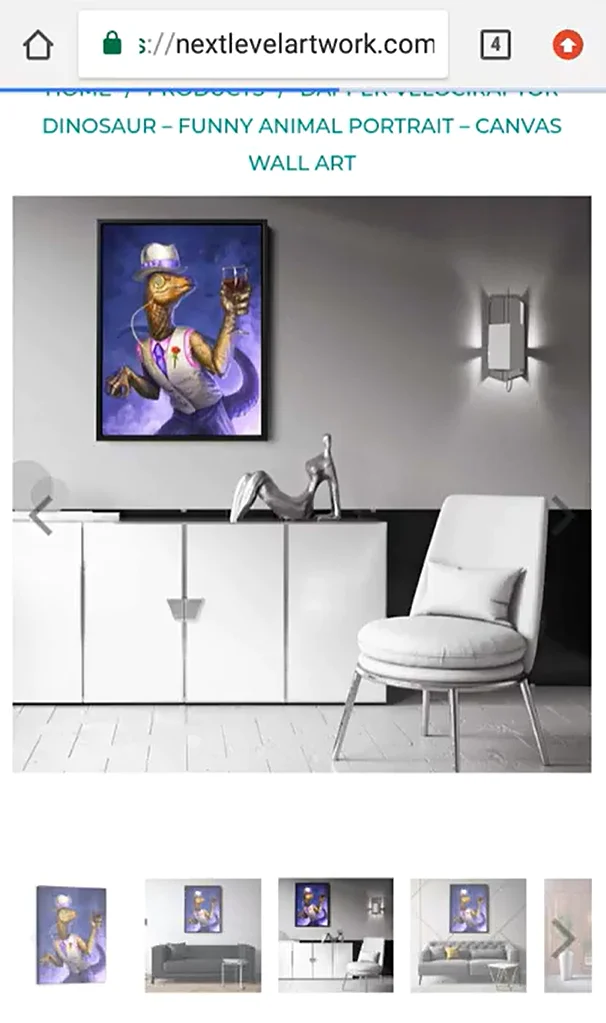
Building this catalog involved considerably more than simply uploading images to a storefront. Anton developed relationships with dozens of independent artists and designers, commissioning original artwork and negotiating licenses to sell their existing creations as physical products. This business was initially developed before prompt-based generative AI image tools became commonly used, so assembling a substantial commercial artwork collection during the early part of this venture required sourcing, licensing, preparing, and organizing individual pieces. In addition to working directly with artists, Anton sourced commercially licensed images from stock photography providers and incorporated suitable public-domain imagery, including astronomy images published by NASA. Ensuring artwork was properly sourced and appropriately licensed for physical merchandise was an important part of the business.
Some of the independent artists Anton worked directly with to license artwork for Next-Level Artwork included Eran Fowler, Ilya Ozornin, Istvan Danyi, Wison Hendrik, and M. Wayne Miller. These collaborations helped build a diverse collection of artwork available for purchase as posters and canvas prints, while giving Anton firsthand experience working with professional artists, arranging commercial artwork licenses, and preparing their creations for physical products.
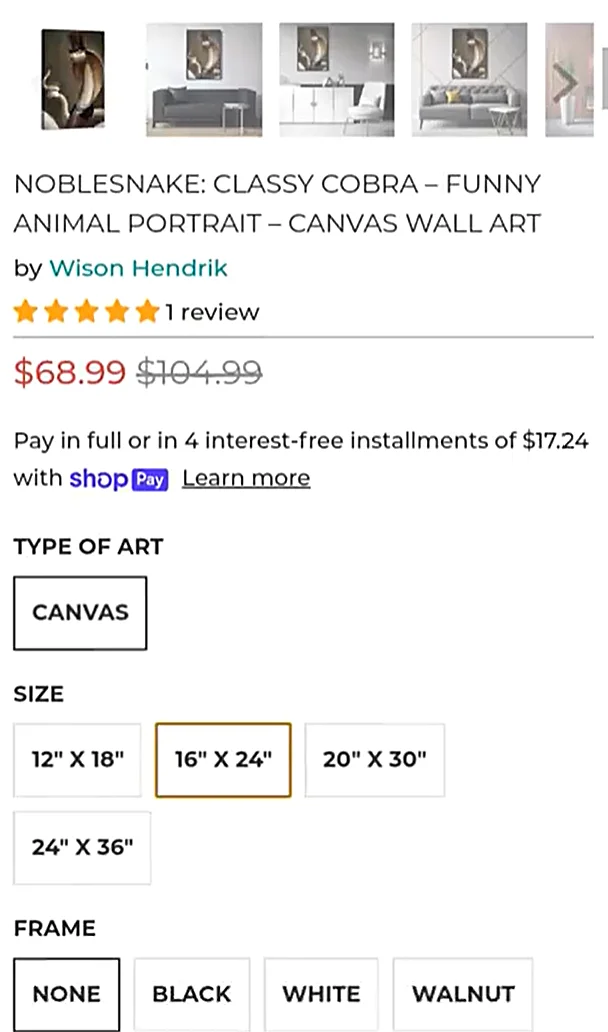
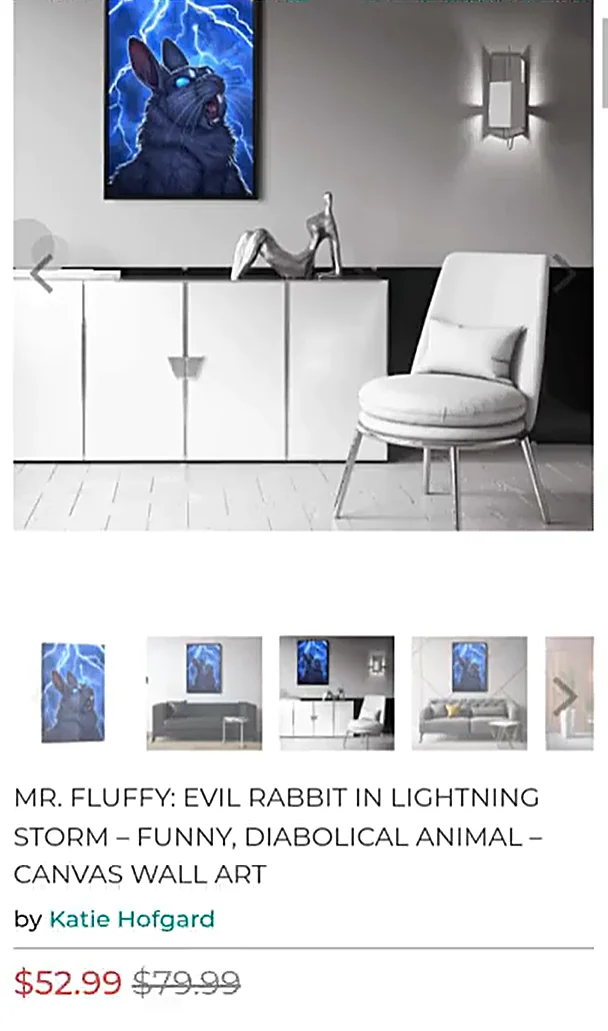
A substantial portion of the work also involved graphic design, Photoshop image editing, and preparing artwork for physical printing. Not every artwork file was immediately suitable for sale as a poster or canvas. Some required manual touchups, adjustments, resizing, cropping, or other modifications to achieve the desired appearance and prepare them for the available product formats. Anton regularly used Adobe Photoshop to prepare and refine artwork, create product presentation images, and ensure that the images used throughout the storefront met his intended visual standards — becoming increasingly proficient and knowledgeable about Photoshop's many tools/capabilities in the process.
Beyond preparing the artwork itself, Anton personally designed many of the visual assets used throughout the e-commerce website. These included homepage hero images, promotional banners, product imagery, collection graphics, and other design elements intended to make the storefront visually appealing and help customers discover different categories of artwork. Again, this was before AI image generator tools allowed you to just type a prompt to describe the image you wanted, so producing these images required substantial, painstaking work inside of Photoshop to refine and perfect them. He also gained practical experience with web design and front-end development, learning and applying HTML, CSS, and JavaScript to build, customize, and improve the Shopify storefront.
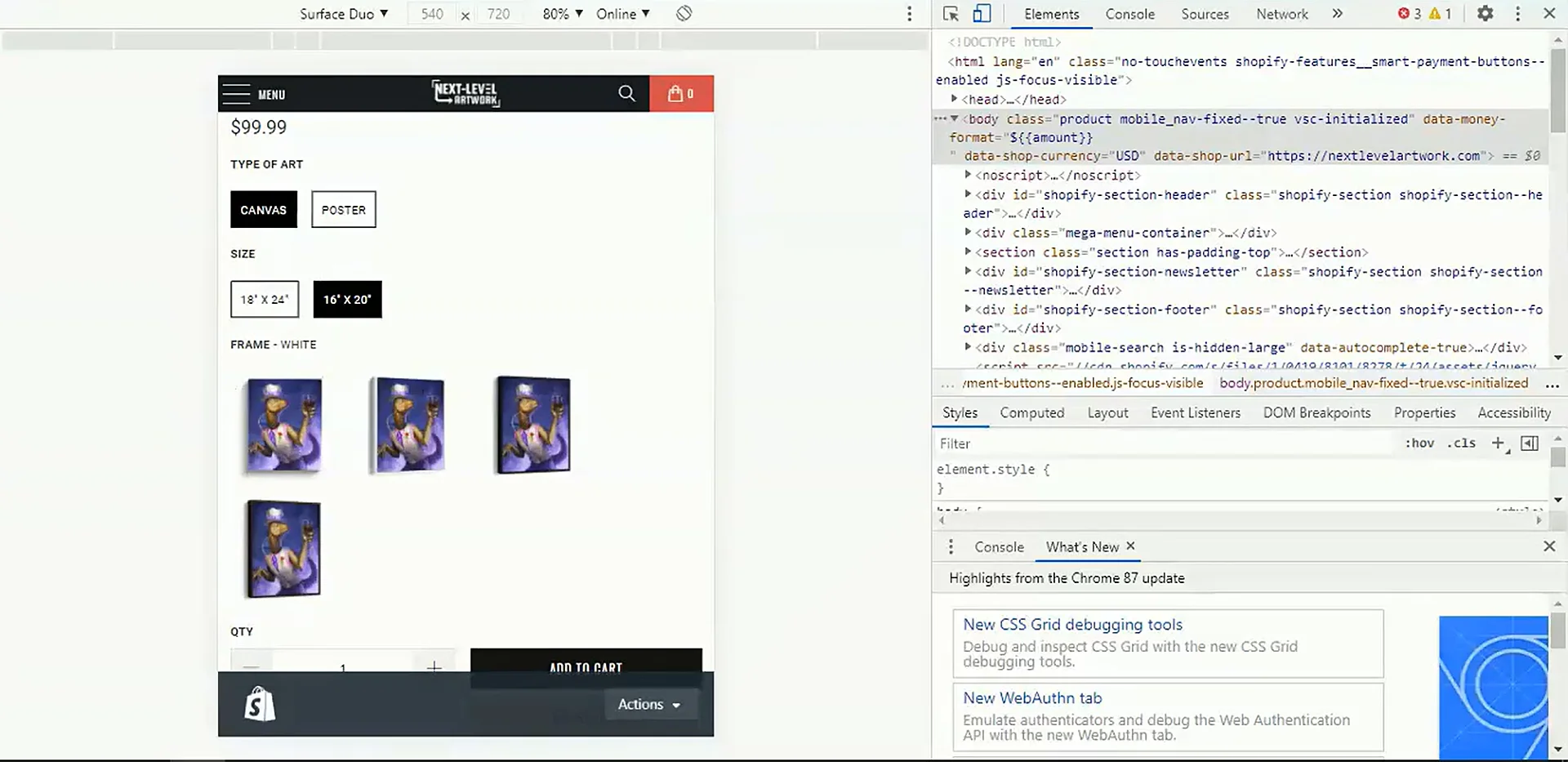
Operating the business also required coordinating work across multiple disciplines. Anton hired and collaborated with freelancers and other independent professionals to assist with tasks including writing product descriptions and other storefront content, developing and improving the e-commerce website, and supporting marketing and advertising efforts. This gave him firsthand experience managing creative and technical work across a real commercial operation, in addition to performing much of the graphic design, product preparation, and technical development work himself.
As the product catalog expanded, one of the biggest operational challenges became the repetitive work required to create and publish individual print-on-demand products. Every new artwork could require preparing files for multiple product configurations, generating appropriate mockup images, creating product listings, assigning variants, writing product information, and publishing the resulting products to the storefront. Anton gradually developed standardized workflows for product imagery, mockup presentation, and listing structure, making the process more consistent and easier to repeat across large numbers of products.
These challenges ultimately introduced Anton to graphic design automation, Photoshop scripting, and software development. Initially, he experimented with relatively simple desktop automation using Microsoft Power Automate Desktop, automating sequences of mouse clicks, keyboard inputs, and other repetitive interactions. While these early automations were useful, they also exposed the limitations of relying on manually scripted interface interactions for complex production workflows. This motivated him to learn more advanced programming techniques and develop faster, more reliable, and more flexible automation systems.
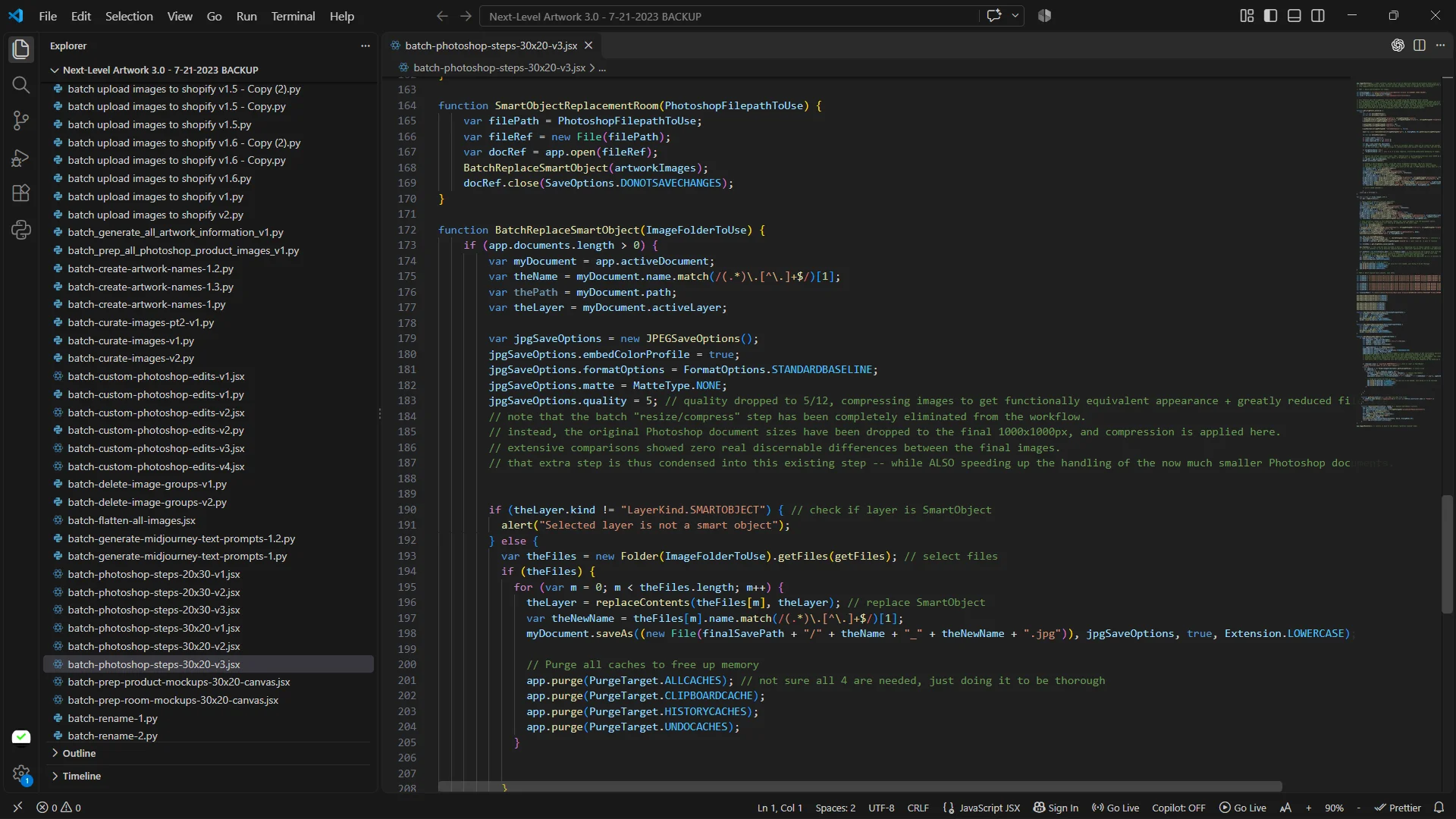
Starting with no formal computer programming background, Anton progressively learned the technologies needed to automate different parts of the business. He began working with JavaScript and Adobe Photoshop's ExtendScript/JSX scripting environment to automate image editing and mockup generation tasks directly inside Photoshop. He also learned Python and began developing API-based automation that could interact directly with print-on-demand platforms and e-commerce services. This included using the Printify and Gooten APIs to automate aspects of product creation and configuration, as well as the Shopify API to automate the creation and management of storefront product listings. Instead of repeatedly performing every step through a graphical interface, he could increasingly execute entire sequences of operations programmatically.
This progression from manual production to automated workflows became one of the most influential parts of Anton's professional development. He had experienced firsthand how much time was consumed by tasks such as generating mockup images, configuring products, preparing listing information, and publishing products across different services. By standardizing those tasks and then automating them, he developed a practical understanding of both the creative requirements of print-on-demand production and the technical challenges involved in scaling it efficiently.
Although Next-Level Artwork generated ongoing product sales, Anton eventually decided to close the store and redirect his efforts toward software development and automation-focused businesses, having discovered through the experience that he particularly enjoyed and excelled at identifying repetitive problems, designing efficient automated workflows, and building software to solve them. What began as an effort to make his own e-commerce business more efficient ultimately became the foundation for a broader career developing software tools that help other people automate time-consuming creative, design, and business processes.
Turning Real-World Experience Into Software Products
Through years of working on graphic design projects, operating e-commerce businesses, building websites, and automating his own production workflows, Anton developed a combination of creative, technical, and programming skills that increasingly shaped the direction of his professional work. His experience with Adobe Photoshop, JavaScript, Python, Photoshop scripting, HTML, CSS, web development, and software APIs had enabled him to build increasingly sophisticated automation systems for his own businesses. Over time, he realized that many of the repetitive tasks he had learned to automate were not unique to his projects. Other designers, print-on-demand sellers, photographers, and business owners were likely encountering many of the same problems. And his conversations with other professionals working in these fields confirmed that.
This realization motivated Anton to begin transforming the customized automation systems he had developed for his own use into standardized, accessible software products. Rather than requiring people to learn computer programming, write their own Photoshop scripts, or build complicated integrations between different services, his goal was to package these workflows into applications with straightforward interfaces, configurable settings, and automated processing. Users could then accomplish tasks that might otherwise require extensive manual work by configuring an operation and allowing the software to execute the repetitive steps for them.
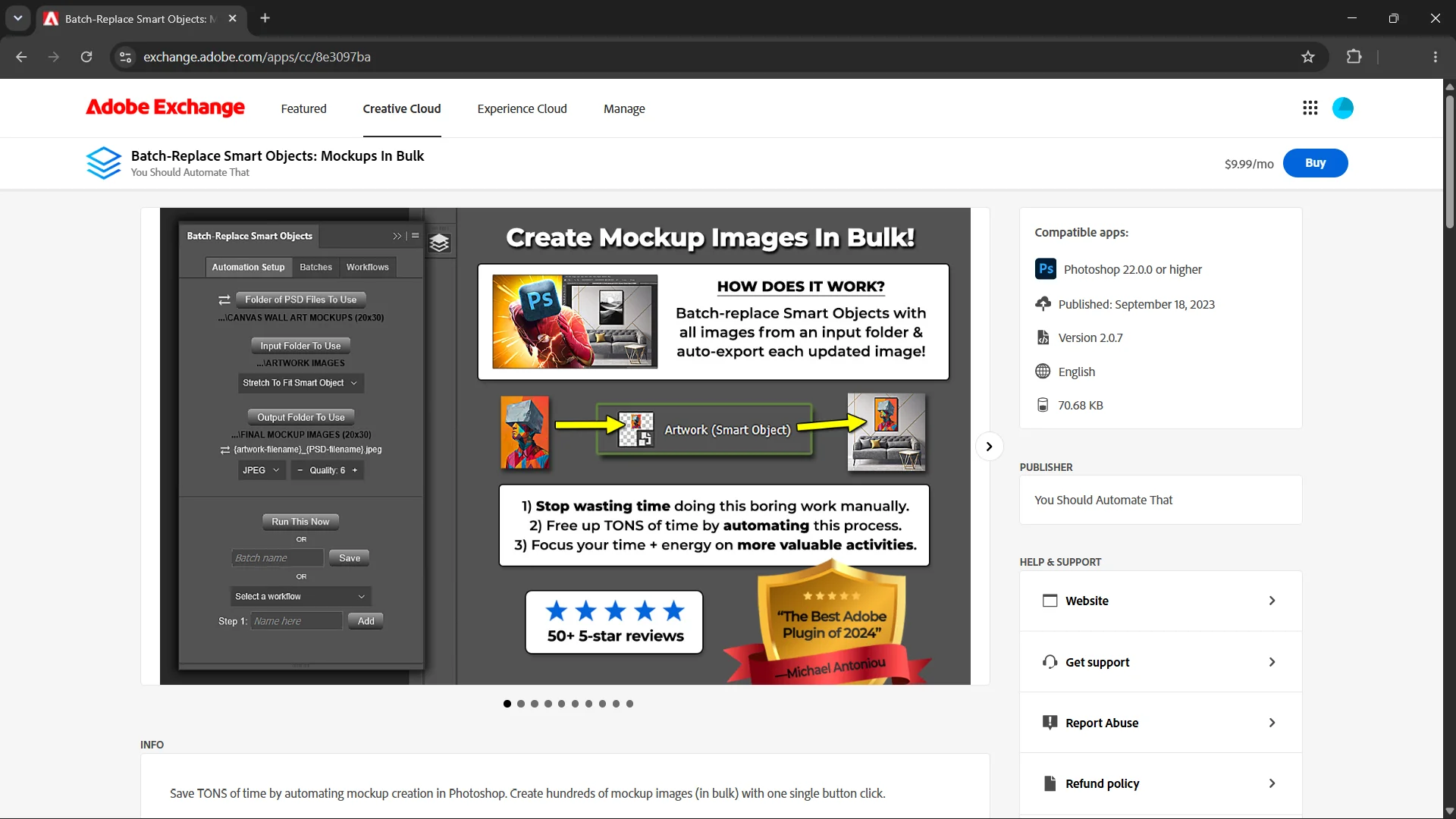
One of the first major products to emerge from this approach was Batch-Replace Smart Objects: Mockups In Bulk, an Adobe Photoshop plugin designed to automate the repetitive artwork resizing, positioning, and Smart Object replacement work involved in creating product mockup images. The product grew directly out of the same type of workflow Anton had previously needed for Next-Level Artwork: taking a collection of artwork files, placing them into reusable Photoshop mockup templates, and producing the resulting product images in bulk. By turning a customized internal workflow into an accessible Photoshop plugin, he made this type of automation available to other designers, print-on-demand sellers, e-commerce businesses, and creative professionals facing similar production challenges.
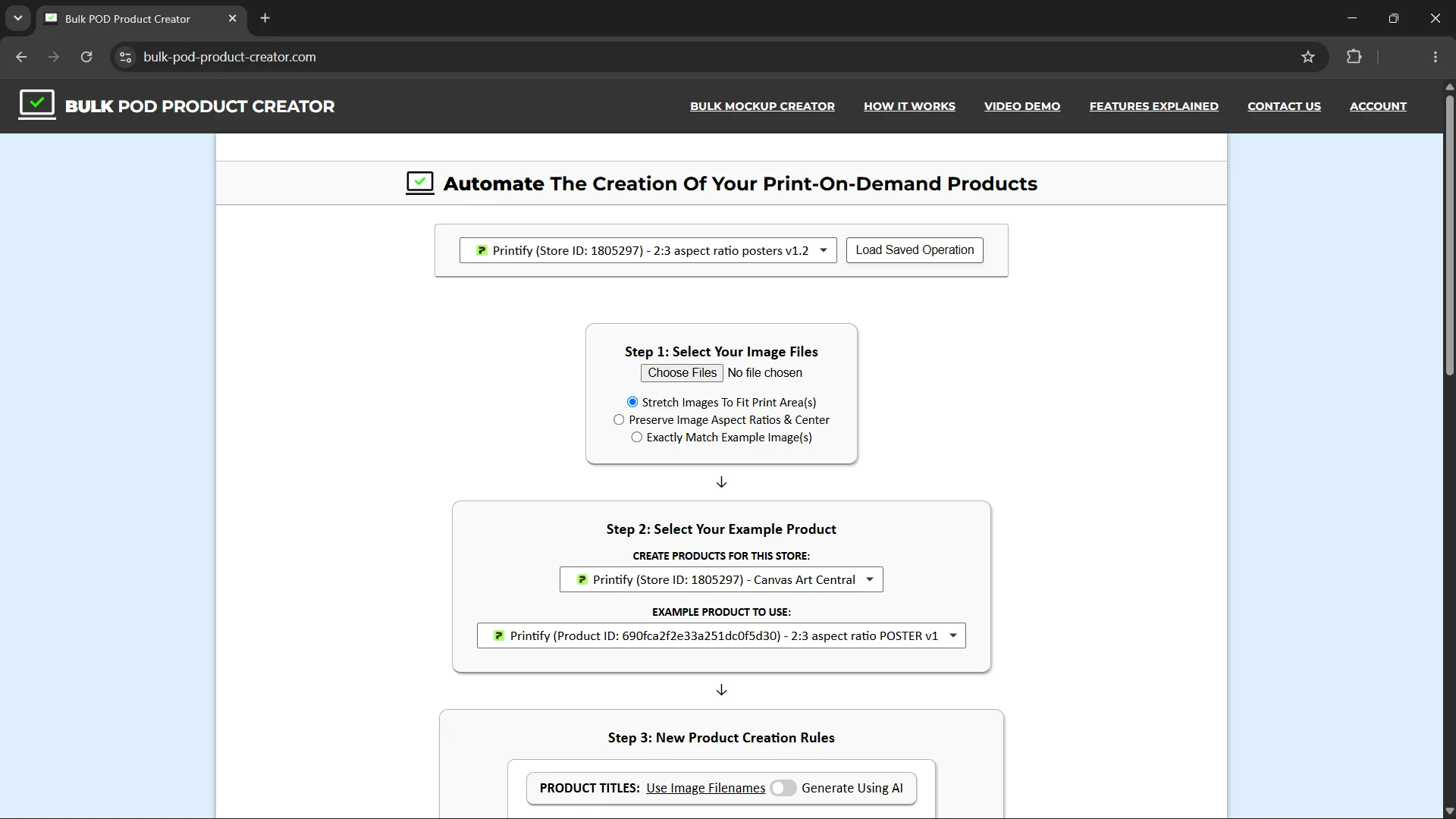
The experience also led to the development of Bulk POD Product Creator, a web-based software application designed to automate much of the work involved in creating print-on-demand products. Rather than manually creating each product, positioning artwork, selecting variants, and writing individual listings, users can configure a product creation workflow and generate products in bulk. The application supports automating tasks such as artwork placement, product configuration, and variant selection, and incorporates AI-powered image analysis to help generate relevant, SEO-oriented product titles, descriptions, and tags based on the artwork being used. The goal was to package the kind of streamlined, highly automated product creation pipeline Anton had developed for his own business into software that other print-on-demand sellers could use without needing to learn programming or build their own automation systems.
Both products reflect a central principle of Anton's approach to software development: identifying repetitive, time-consuming work through firsthand experience, finding practical ways to automate it, and making those solutions accessible to others. The same approach would subsequently guide his development of a broader collection of Photoshop plugins designed to automate additional parts of creative production workflows.
Expanding the Photoshop Plugin Portfolio
Following his experience developing Batch-Replace Smart Objects, Anton continued exploring opportunities to automate other repetitive tasks involved in graphic design, photography, e-commerce, content creation, and digital image production. Throughout his years of working on different creative projects and businesses, he had repeatedly encountered many of the same fundamental image editing requirements: resizing images to particular dimensions, cropping them for different formats, sharpening and improving their appearance, removing backgrounds, adding watermarks, optimizing file sizes, and preparing collections of images for publication or commercial use.
Although these operations are often straightforward when performed on a single image, they can become extremely time-consuming when applied to dozens, hundreds, or thousands of files. A photographer preparing a large collection of client images, an e-commerce seller updating product photography, a graphic designer producing variations of marketing assets, or a content creator preparing images for multiple platforms can all encounter similar repetitive editing requirements. Through his own experience, Anton recognized that much of this work could be standardized and automated, allowing people to spend less time manually performing routine operations and more time on the creative and business activities that required their attention.
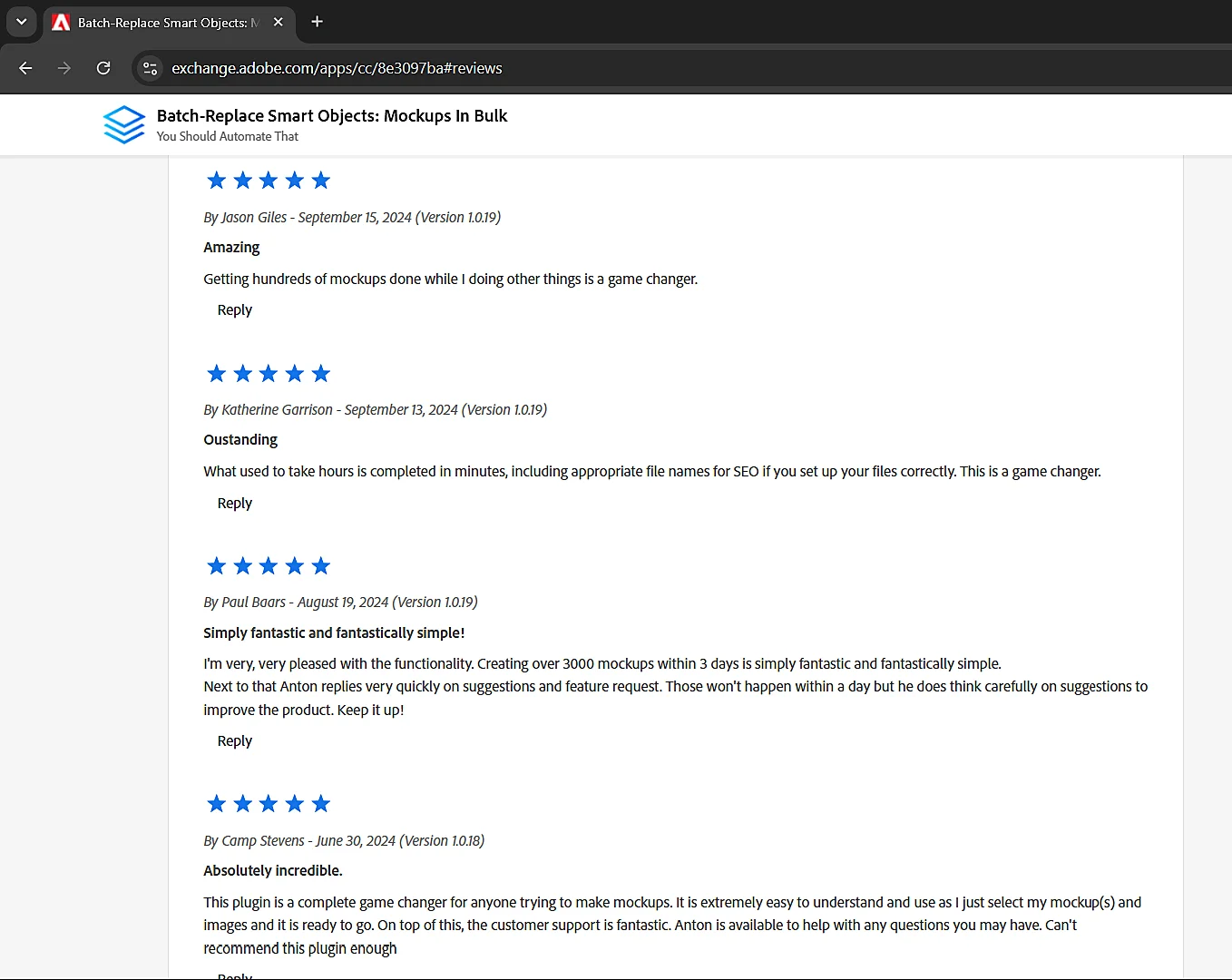
Another important motivation came from Anton's experience receiving direct feedback from users of his first Photoshop plugin, Batch-Replace Smart Objects. The feedback was strongly positive overall, and it came from people working across different creative and commercial fields, including freelance and professional graphic design, photography, e-commerce, marketing, and social media content production. Hearing directly from people who found the software useful reinforced his belief that there was substantial practical value in developing straightforward automation tools for common creative workflows. It also helped him better appreciate how similar repetitive production problems could affect people working in different industries, even when the ultimate creative outputs were quite different.
Building upon that experience, Anton expanded his work through You Should Automate That, developing nine additional Photoshop plugins that addressed a broader collection of image editing and production tasks. Together with Batch-Replace Smart Objects, these products form a portfolio of 10 Photoshop plugins designed to help creative professionals automate routine work. Each plugin focuses on a particular category of operations, allowing users to configure the desired processing rules and apply them across collections of images or Photoshop documents without having to perform the same steps manually for every file.
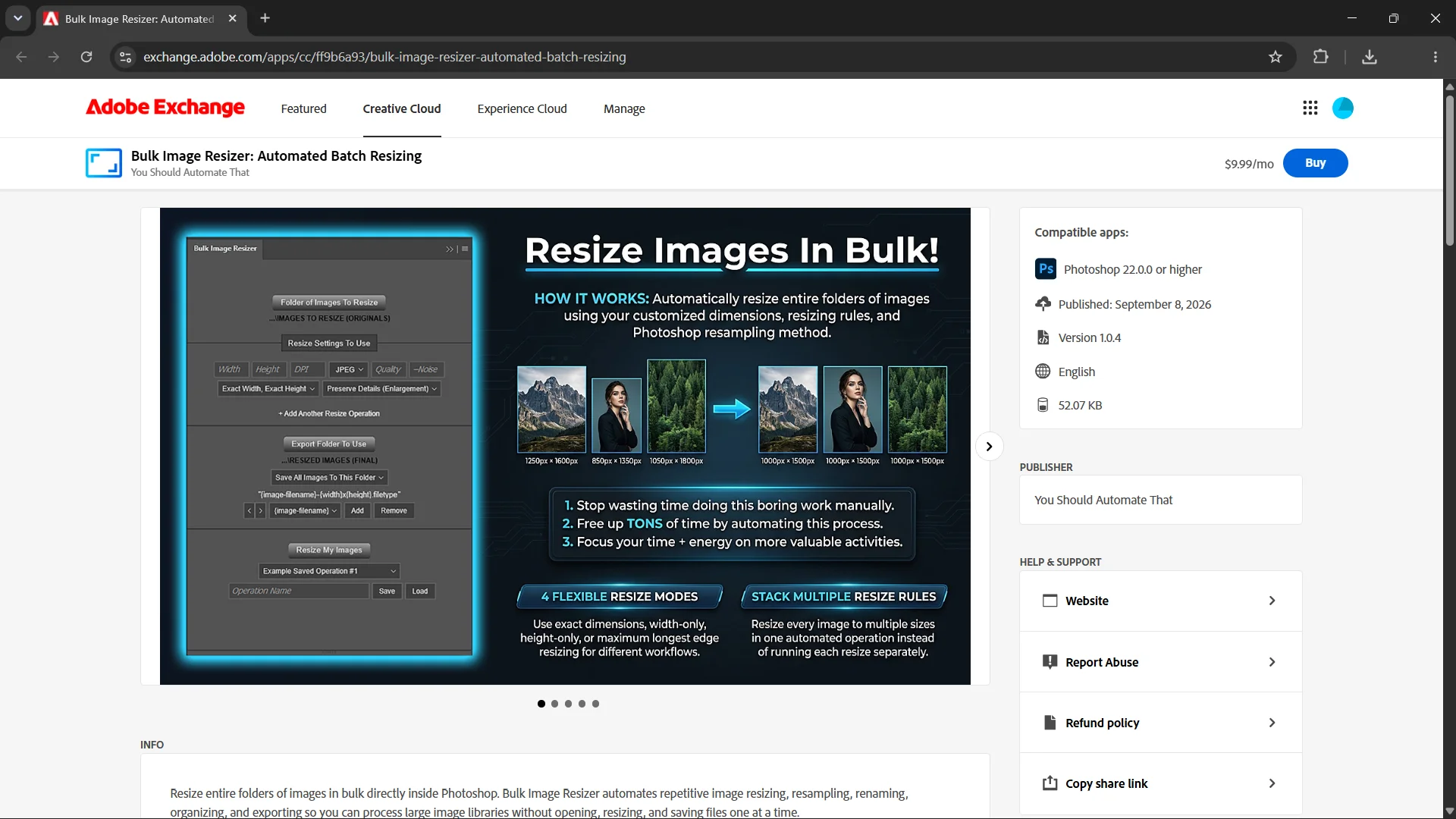
Bulk Image Resizer was developed to automate one of the most common image preparation tasks: changing image dimensions. Across graphic design, photography, web development, and e-commerce, images frequently need to be resized to meet particular publishing, platform, or product requirements. The plugin allows users to configure resizing operations and process collections of images in bulk, eliminating the need to repeatedly open, resize, and export individual files. Practical applications include photographers preparing images for client delivery, e-commerce sellers standardizing product image dimensions, website owners preparing images for online publication, and content creators producing assets for different digital platforms. Rather than performing the same resizing operation repeatedly, users can establish the desired rules and let Photoshop process the images automatically.
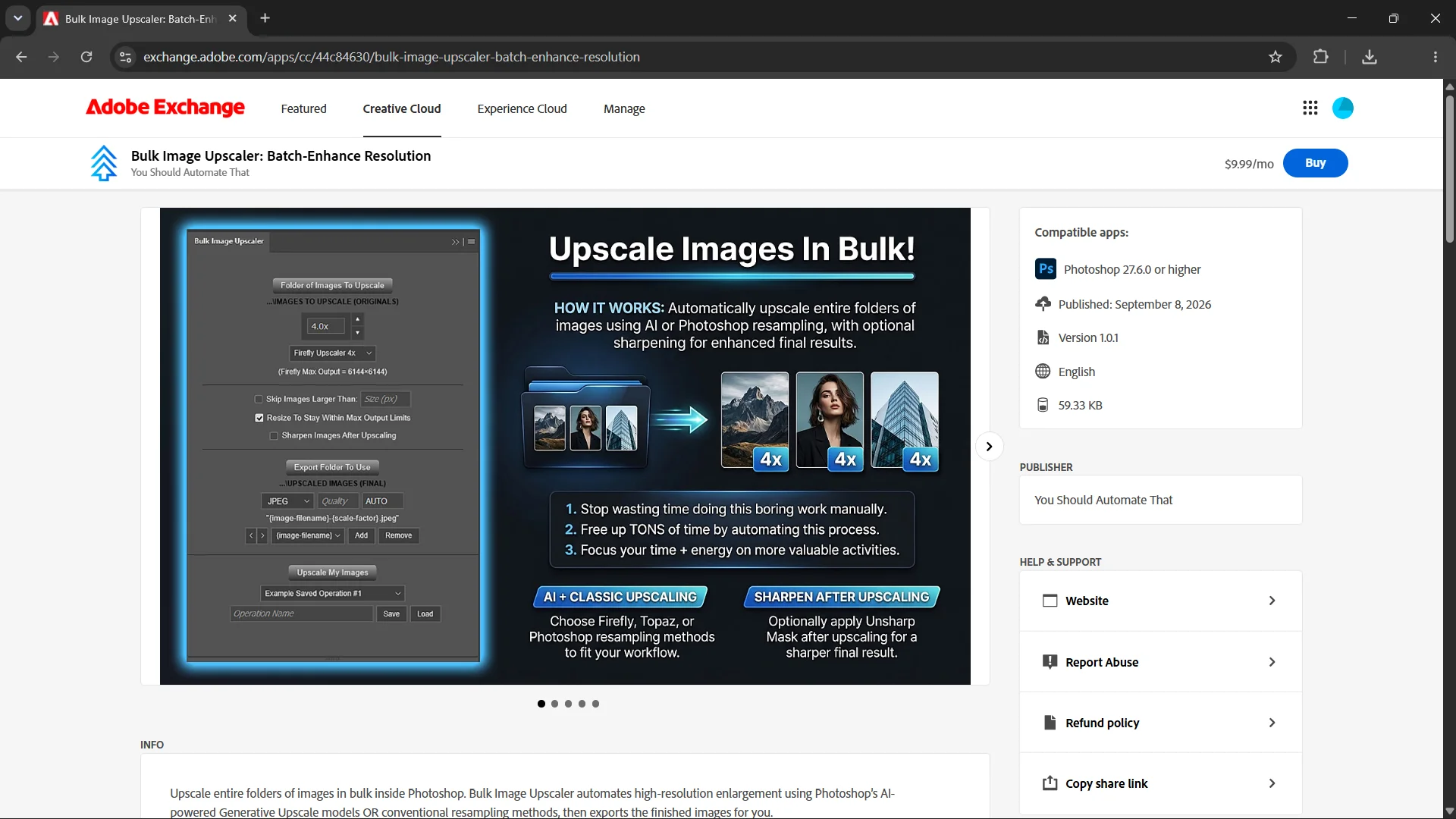
Bulk Image Upscaler addresses another recurring image production requirement: increasing the resolution of existing images. Designers, photographers, and digital content creators sometimes need to prepare images for larger displays, higher-resolution output requirements, or applications where the original dimensions are insufficient. The plugin automates the process of upscaling collections of images inside Photoshop, reducing the manual effort involved in processing files individually. Potential applications include preparing artwork for larger print formats, improving the dimensions of older or lower-resolution creative assets, and producing higher-resolution versions of images for websites, product presentations, and digital design projects. By automating this operation across multiple files, the software helps users incorporate image upscaling into repeatable production workflows.
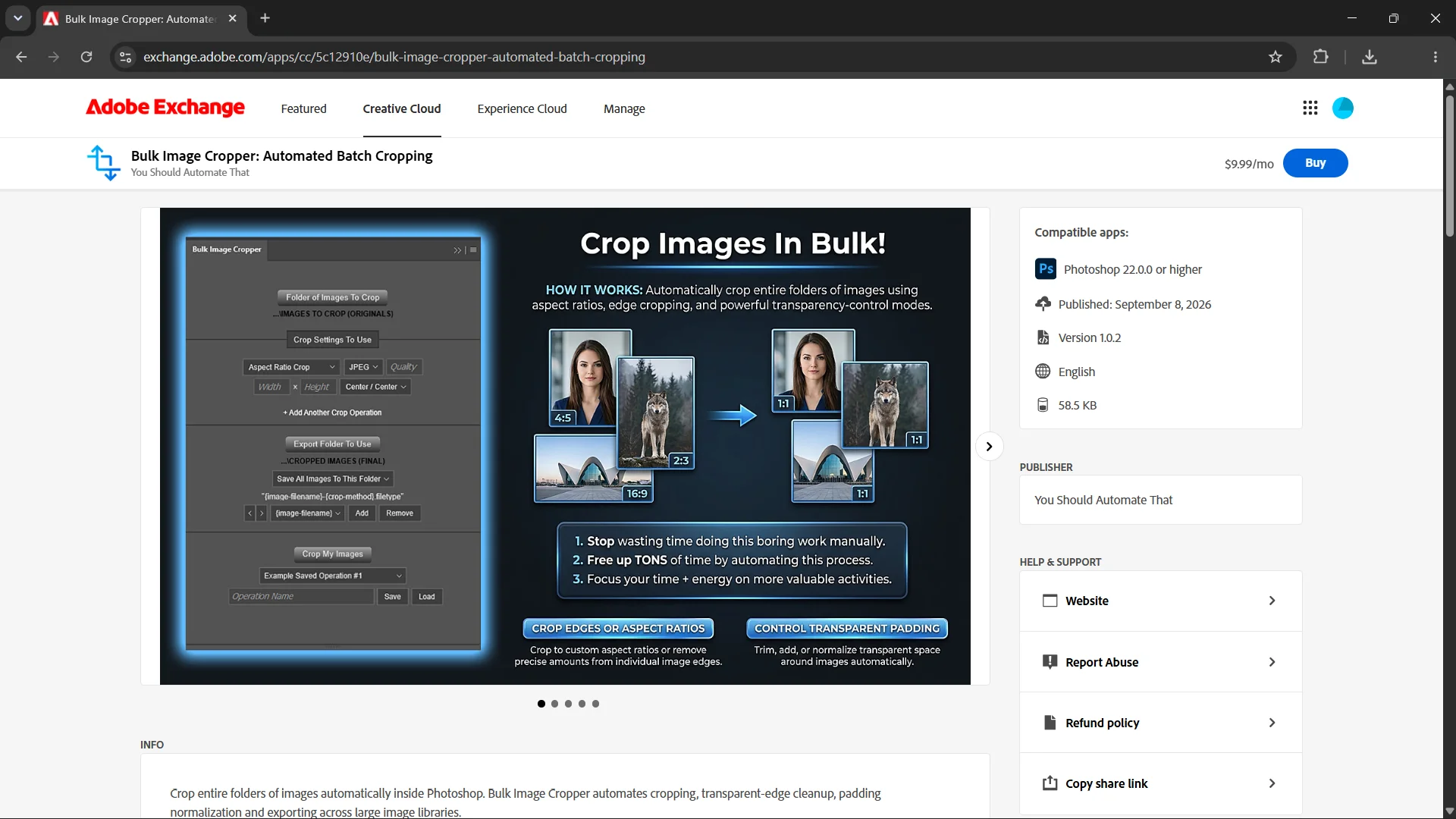
Bulk Image Cropper was designed to automate the process of cropping images, adjusting their framing, and preparing them for different dimensional requirements. Image cropping is especially common in workflows involving social media publishing, website content, product photography, digital advertising, and print-on-demand products, where different platforms or layouts may require different image proportions. The plugin supports configurable cropping operations, including aspect-ratio-based cropping, pixel-based adjustments, and workflows involving canvas expansion or padding. Users can apply standardized rules across collections of images rather than manually opening and adjusting each one. This can be particularly useful for designers and content creators who regularly need to transform large image libraries into consistent formats while controlling how the original content is positioned within the resulting compositions.
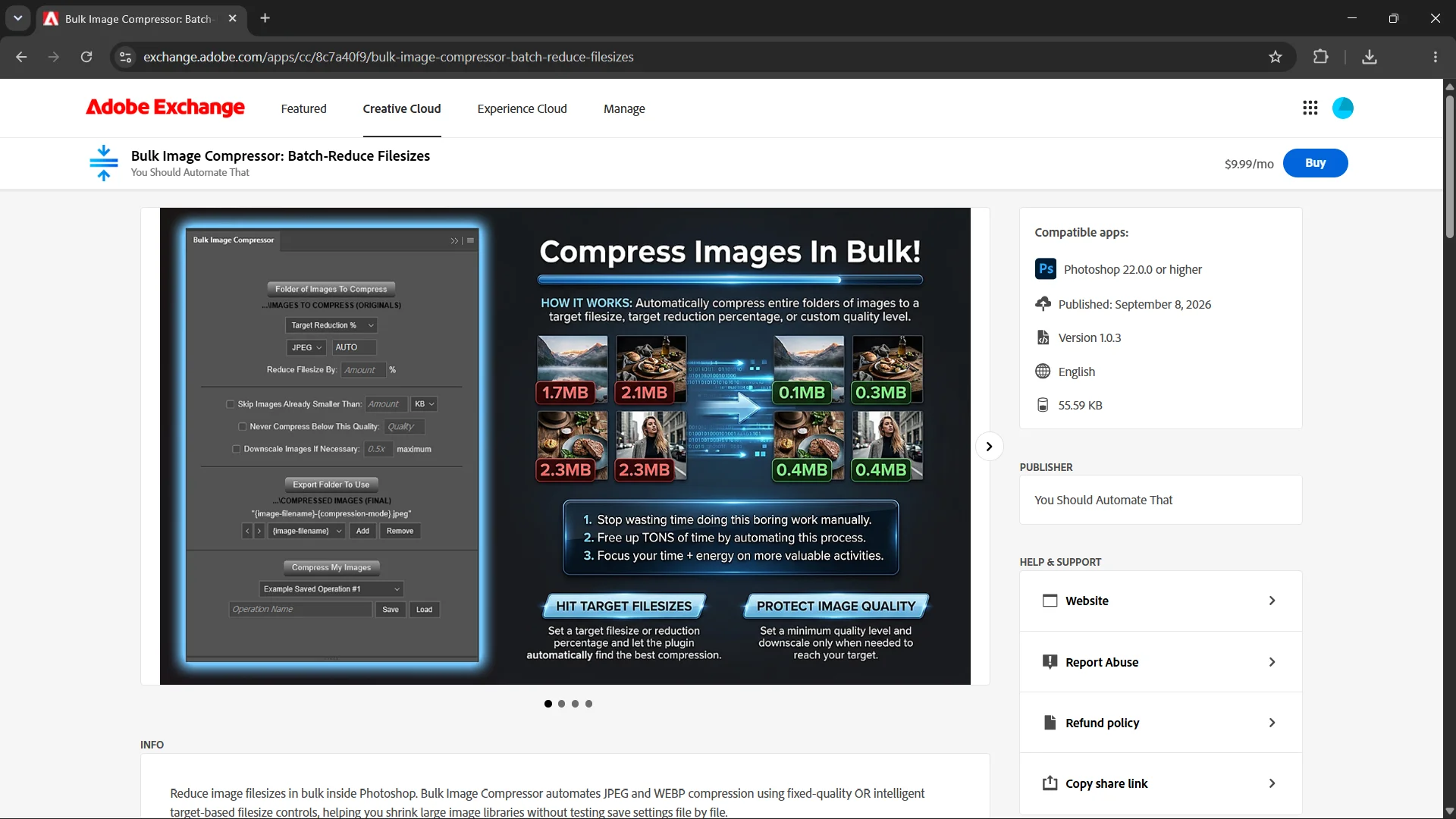
Bulk Image Compressor focuses on the often-overlooked task of optimizing image file sizes. Large image files can create practical problems for website performance, storage requirements, file transfers, and platforms that impose limits on uploaded images. Anton developed the plugin to automate JPEG and WEBP image compression across entire collections of files, with configurable controls for output quality, target file sizes, and desired reductions in file size. Instead of repeatedly experimenting with export quality settings for each image, users can establish their compression requirements and let the plugin process their files. The software is particularly relevant to website developers, bloggers, e-commerce store operators, photographers, and digital marketers who need to balance image quality against file size when preparing substantial collections of visual assets.
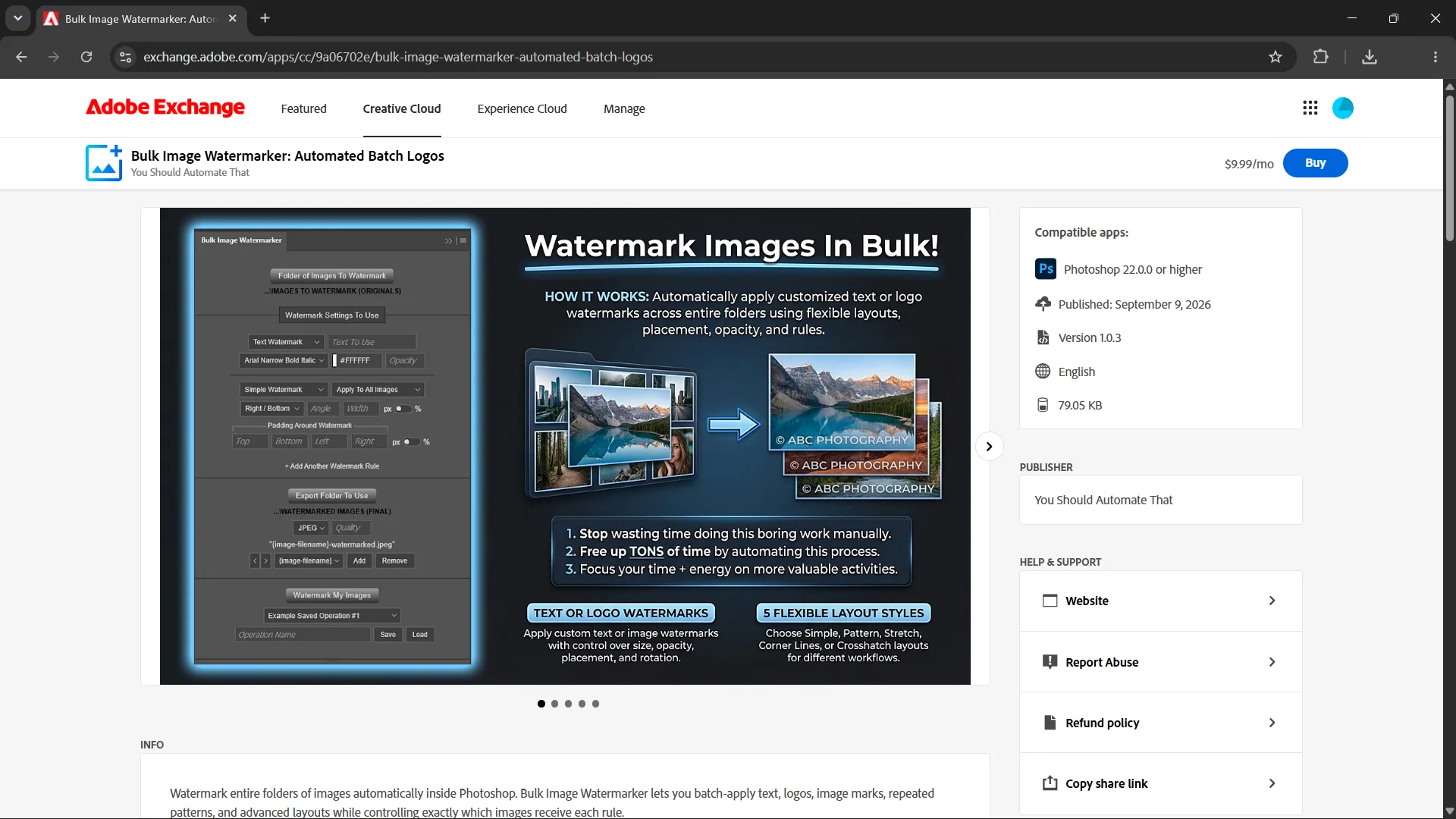
Bulk Image Watermarker automates the addition of watermarks, logos, and other branding elements to collections of images. This is a common requirement for photographers sharing client previews, artists displaying their work online, e-commerce businesses preparing branded product images, and content creators publishing original visual assets. Although adding a watermark to one image may be a relatively simple Photoshop task, repeating the operation across a large collection of files can consume considerable time, particularly when the watermark needs to be placed consistently. The plugin allows users to configure watermarking operations and apply them in bulk, helping standardize the appearance of branded images and reduce the repetitive manual work involved in preparing them for distribution or publication.
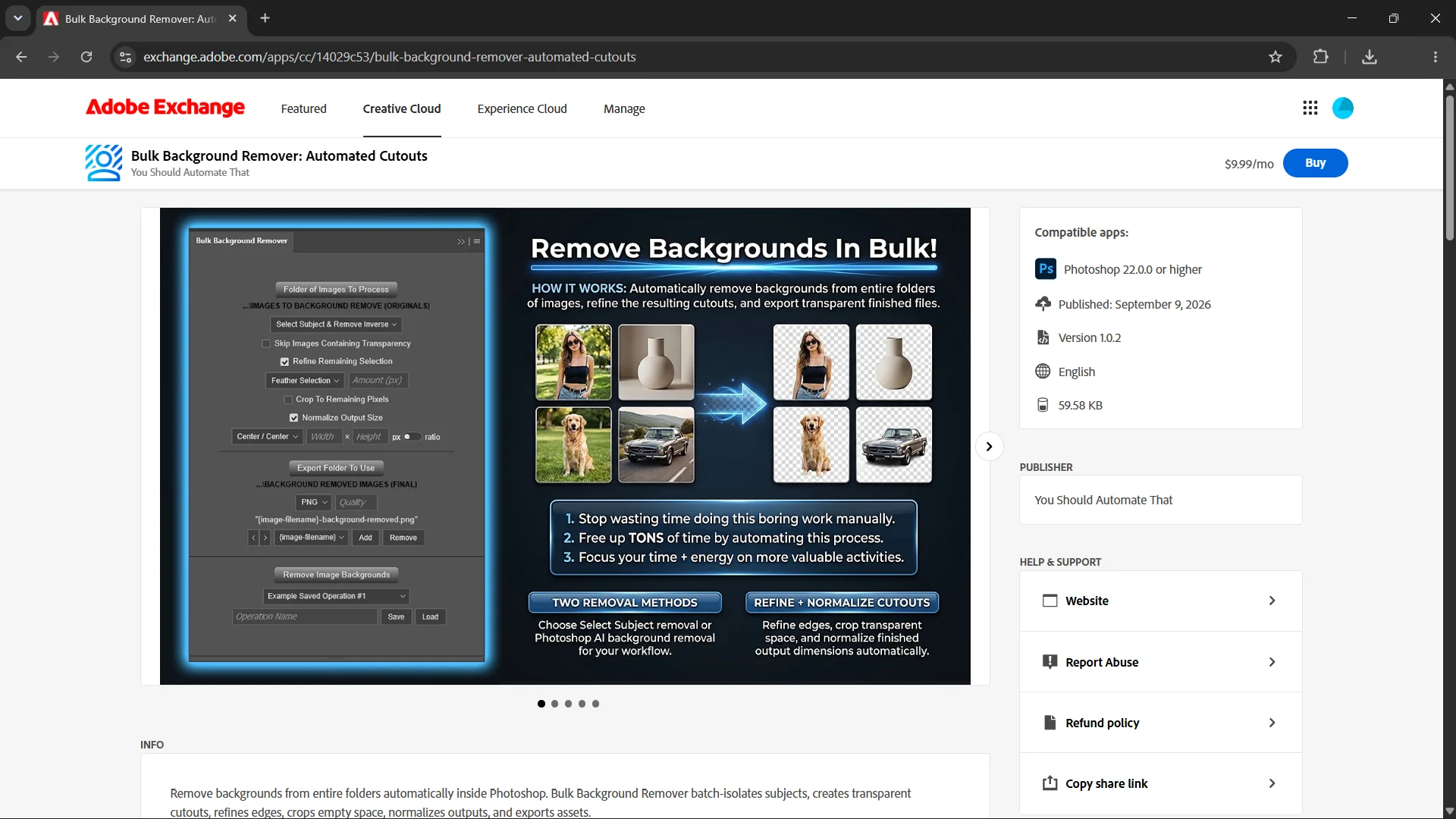
Bulk Background Remover was developed to automate another common but potentially labor-intensive editing task: separating subjects from their backgrounds. Background removal is particularly important in e-commerce product photography, marketing graphics, catalog preparation, graphic design compositing, and workflows that require transparent image assets. The plugin uses Photoshop's subject selection and background removal capabilities to process multiple images automatically, with additional options for refining cutout edges, trimming unnecessary transparent space, and standardizing the dimensions or proportions of the resulting images. This allows users to automate much of the process of turning source photographs into reusable transparent assets. For businesses managing large product catalogs, photographers processing collections of subject images, and designers preparing compositing elements, the ability to apply these operations in bulk can eliminate substantial amounts of repetitive editing.
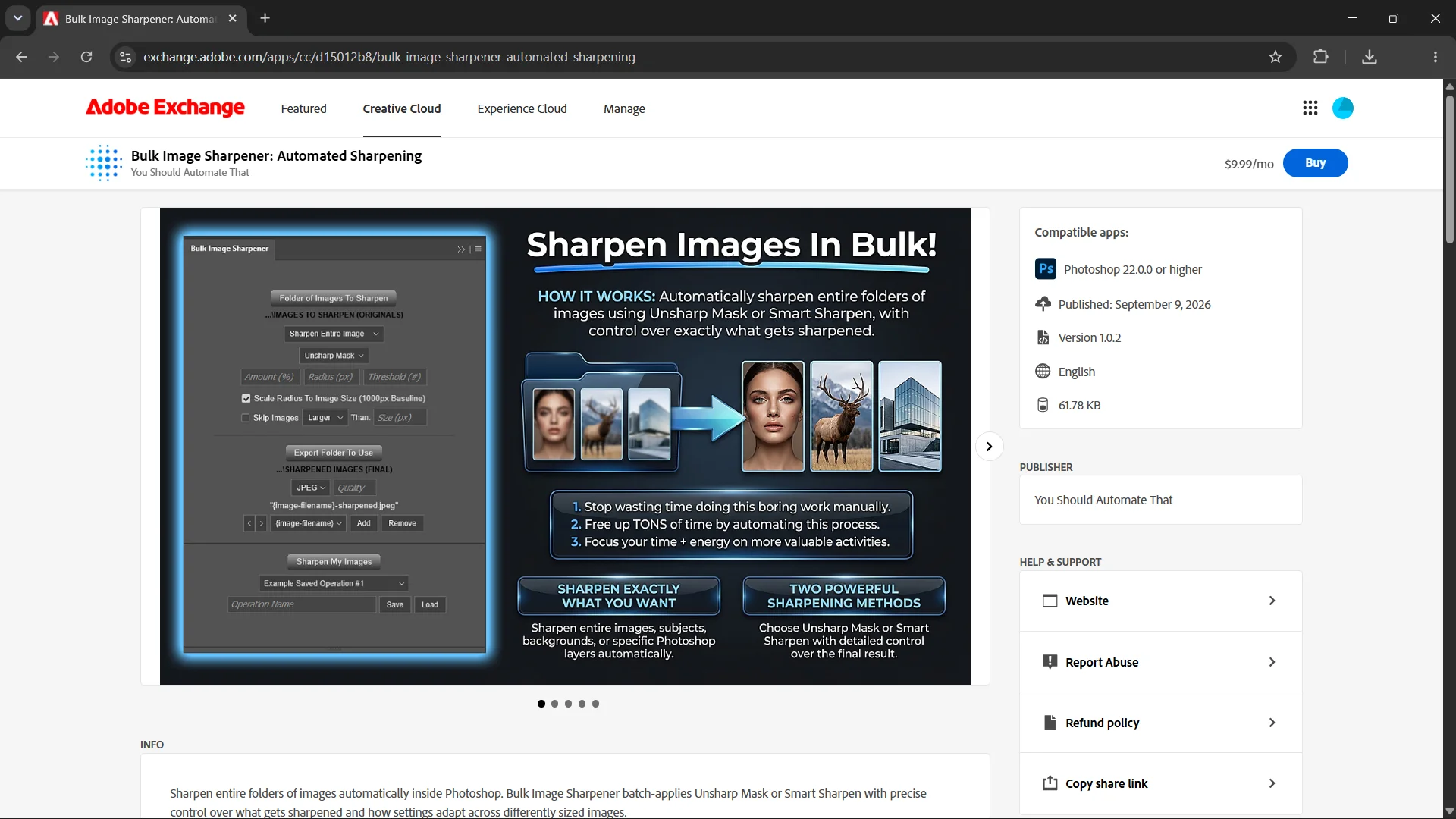
Bulk Image Sharpener addresses the need to improve or standardize the apparent sharpness of images across a larger production workflow. Sharpening is frequently used by photographers, graphic designers, e-commerce businesses, and content creators when preparing images for publication, product presentations, or digital delivery. The plugin automates Photoshop sharpening operations using methods such as Unsharp Mask and Smart Sharpen, with configurable settings and controls over which parts of an image receive sharpening. For example, users can apply sharpening to an entire image or target particular areas, such as a subject or background. The software also supports adapting sharpening parameters to images of different sizes, making it useful when processing mixed collections where a single fixed sharpening configuration might not be appropriate for every file.
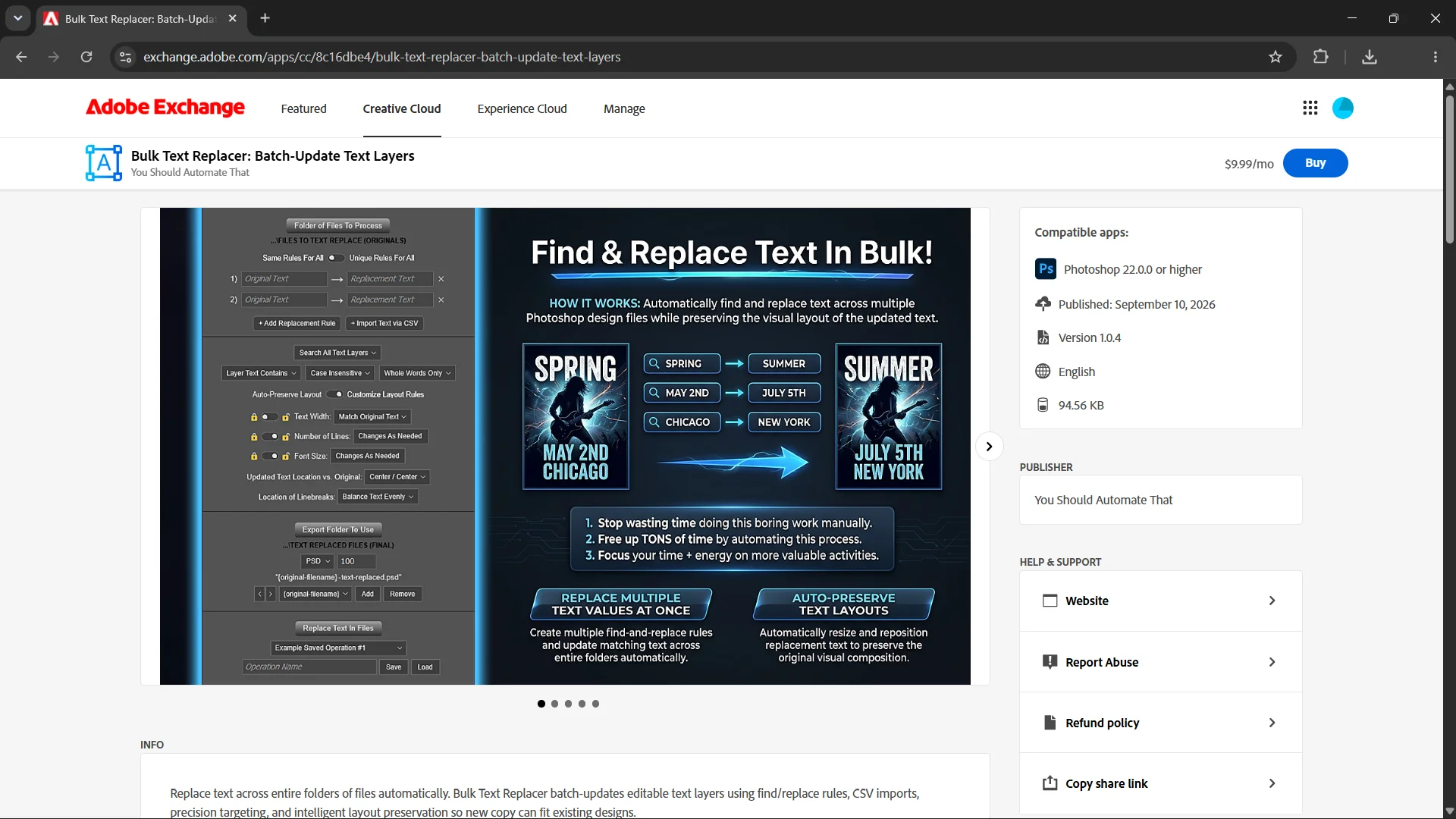
Bulk Text Replacer focuses on automating repetitive text changes across collections of Photoshop documents. This type of work frequently arises when designers maintain reusable templates, businesses update promotional graphics, agencies prepare variations of client materials, or e-commerce sellers need to change product information across multiple designs. The plugin can locate and update editable Photoshop text layers using configurable find-and-replace rules, including replacement instructions imported from CSV files. It also provides controls intended to preserve the layout of the original designs when replacement text differs in length. Rather than manually opening numerous Photoshop files, locating the relevant text layers, modifying their contents, adjusting their appearance, and exporting each design, users can automate much of that workflow. This is particularly useful for producing multiple variations of graphics while maintaining a consistent overall design.
Bulk AI Image Creator extends Anton's focus on creative workflow automation into the field of generative artificial intelligence. As AI image generation became an increasingly useful part of graphic design, content production, and digital marketing, it also introduced new repetitive workflows involving entering prompts, generating images, collecting outputs, and repeating the process across multiple creative concepts. Anton developed Bulk AI Image Creator to help automate AI image generation in Photoshop using Adobe's Generative Fill capabilities. Rather than manually repeating the generation process for individual prompts, users can configure operations to produce multiple AI-generated images in batches. The plugin is particularly relevant to graphic designers, social media content creators, marketers, and other creative professionals who regularly experiment with visual concepts or need to generate collections of imagery for their projects.
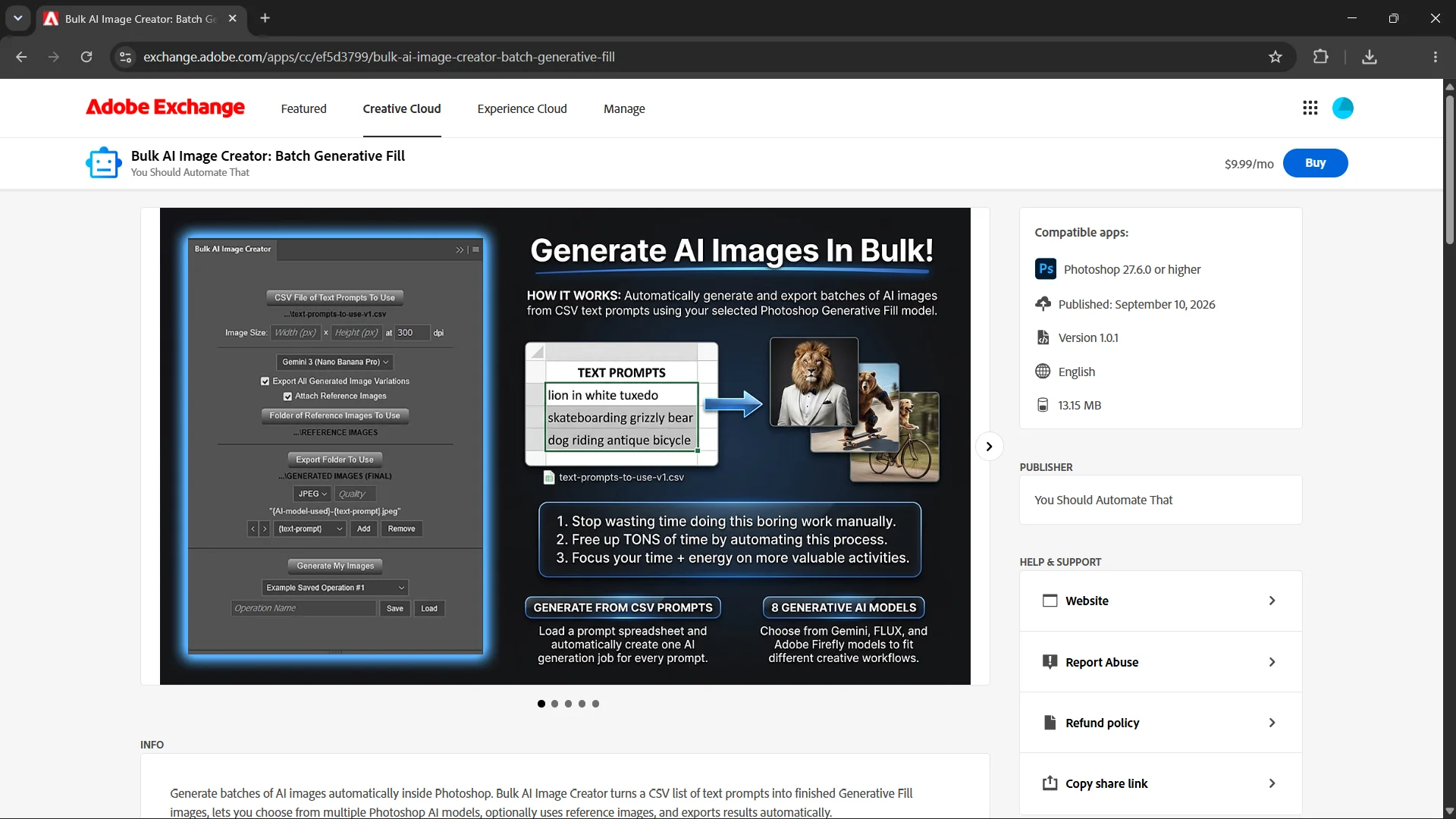
Across these 10 Photoshop plugins, Anton has applied his experience in graphic design, image editing, software engineering, and workflow automation to a broad range of practical production problems. Although the individual tools address different tasks, they share a common objective: allowing people to perform necessary, repetitive creative work with substantially less manual effort. Their development reflects both the challenges Anton encountered through his own projects and his experience building software for other creative professionals who face similar requirements. This combination of firsthand production experience and software development continues to inform his work on Digital Design Hub, particularly his writing about Photoshop, image editing, automation, creative productivity, and improving digital design workflows.
Other Software & Web Projects
Beyond the previously mentioned plugins for Photoshop and the Bulk POD Product Creator website, Anton has independently designed and developed a wide range of web applications and browser extensions, including the following:
- Excellent Mockups — A website offering editable PSD product mockups to help designers and e-commerce sellers create professional-looking product presentations.
- Extreme Weather Tracking — A location-specific severe weather monitoring website with interactive maps, processed radar imagery, National Weather Service alerts, nearby-threat distance calculations, and configurable browser alarms.
- Super Simple Habit Tracker — An online application for tracking daily habits, building completion streaks, recording performance, and measuring progress toward personal goals.
- Wasted Time Tracker — A Chrome extension that tracks time spent on selected distracting websites to support better awareness of online habits.
- Auto-Close Distractions — A Chrome extension that automatically closes tabs for websites the user has chosen to block.
Creative Content Production, Marketing & AI-Assisted Design
In addition to developing software and operating online businesses, Anton has accumulated extensive practical experience in graphic design, content creation, video production, digital marketing, and promotional image design through the work required to build and promote his various projects. Developing useful software products was only one part of operating these businesses; communicating their value, demonstrating how they worked, educating potential users, and attracting customers also required producing substantial amounts of original visual and educational content.
Across these projects, Anton has worked on everything from creating Photoshop tutorials and promotional videos to designing YouTube thumbnails, producing social media graphics, preparing technical product explainers, and developing branded marketing imagery. These activities have provided additional opportunities to apply and develop his Photoshop and graphic design skills, while also motivating him to explore more efficient creative production workflows, including the use of generative AI and automated image processing.
Educational Video Production & Photoshop Content Creation
One particularly substantial example is Anton's work producing content for the YouTube channel associated with You Should Automate That. Through this project, he has been involved in creating more than 150 videos, encompassing both conventional long-form YouTube videos and short-form content. A major focus of these videos has been educating viewers about Adobe Photoshop, demonstrating useful image editing techniques, explaining different Photoshop features and capabilities, and showing practical ways to complete or automate graphic design workflows.
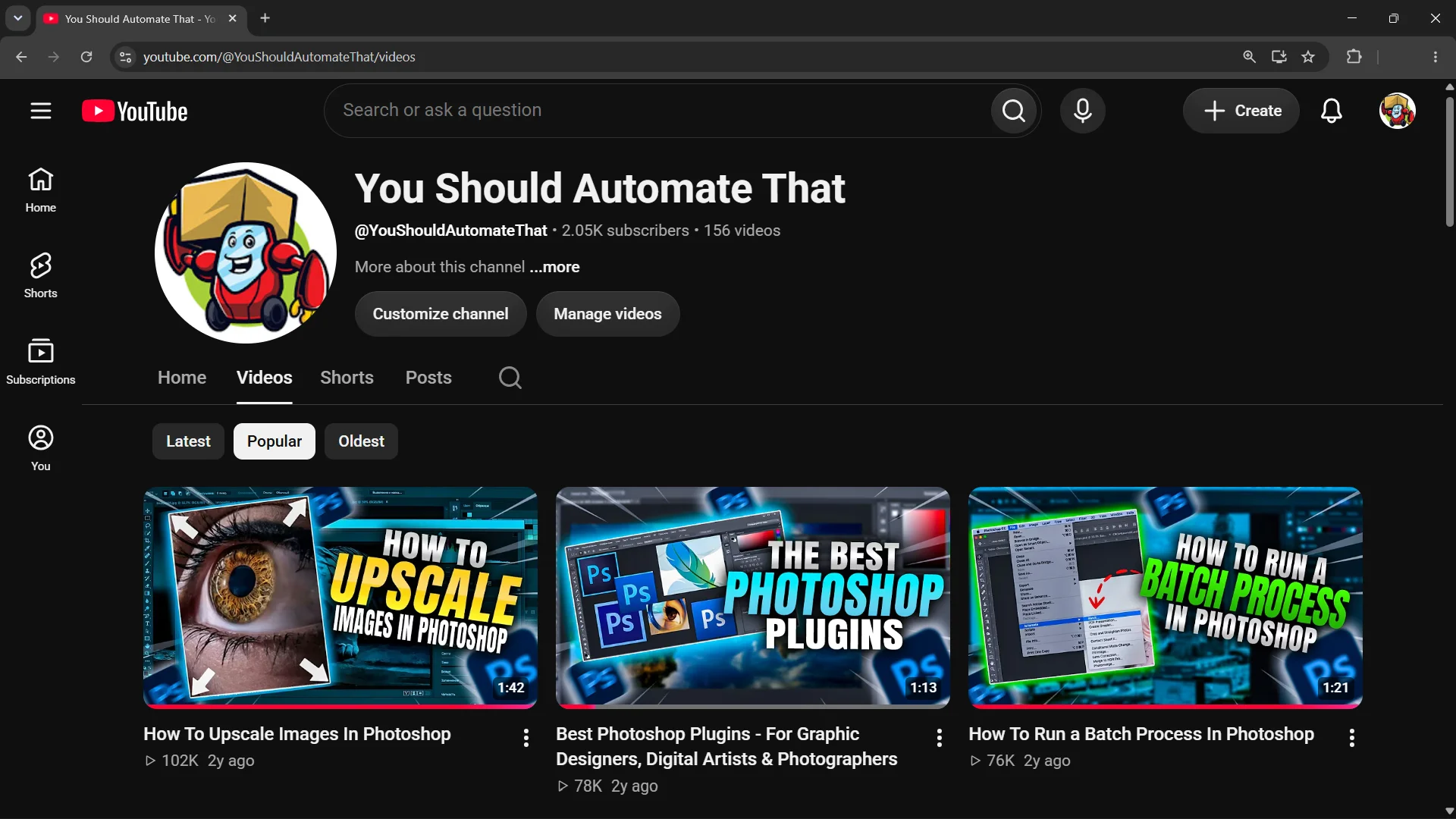
Producing this content has required much more than simply recording software demonstrations. Anton has worked on developing video concepts, planning educational content, writing scripts, preparing visual explanations, designing graphics, and creating the image assets used throughout the videos. He has also designed custom YouTube thumbnails in Photoshop, developing visual compositions intended to communicate the subjects of individual videos and make the content visually engaging. Other creative tasks have included preparing supporting images, screenshots, diagrams, and other visual materials used to explain technical concepts or demonstrate particular Photoshop workflows.
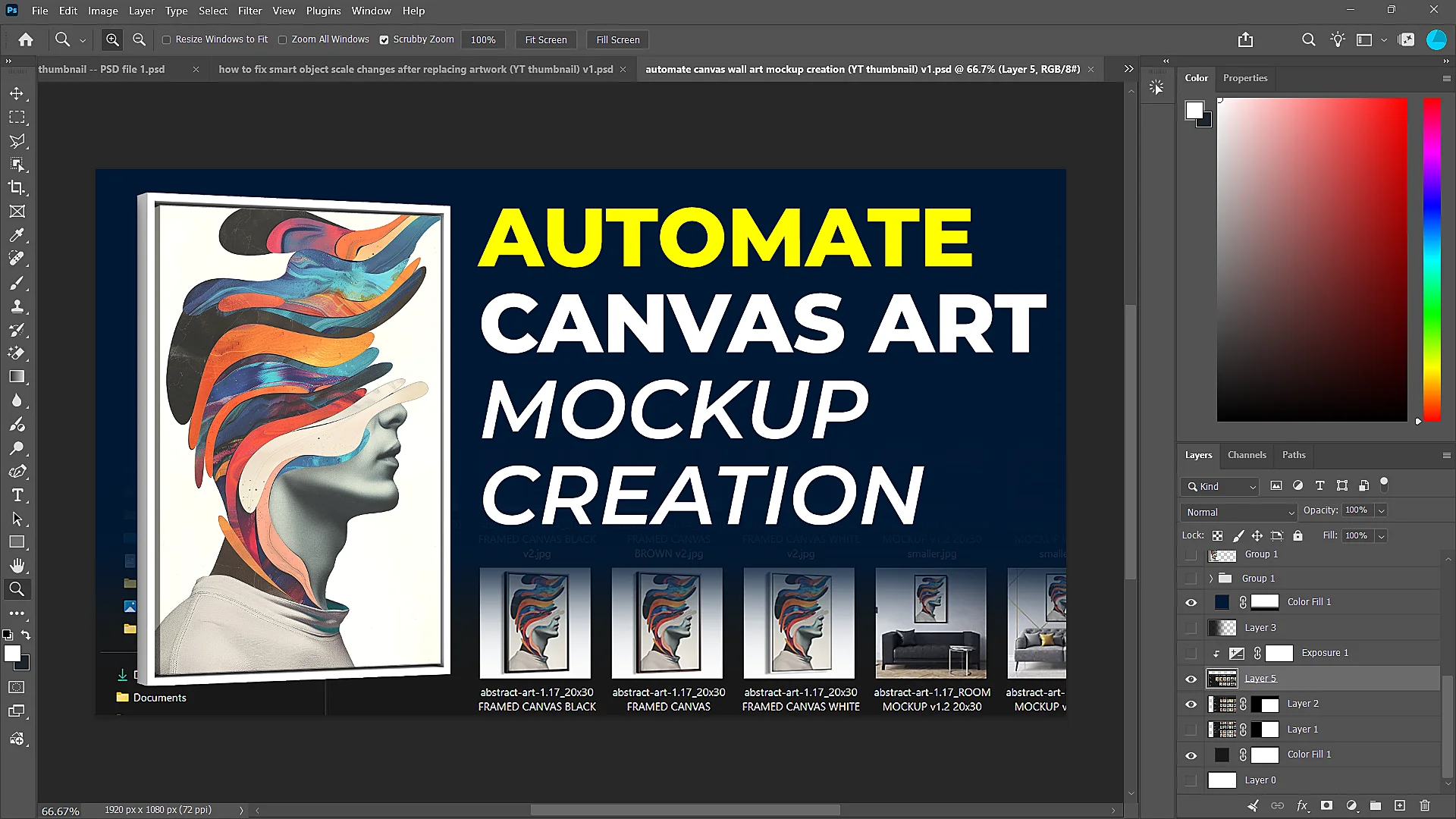
Many of the videos have involved Anton personally demonstrating Photoshop techniques and explaining how viewers can accomplish specific editing tasks. These have included educational demonstrations of Photoshop features, image editing operations, graphic design workflows, and the practical applications of his Photoshop plugins. Through producing this educational content, Anton has gained extensive experience not only performing creative and technical tasks inside Photoshop, but also breaking down those tasks into understandable steps and communicating them to other people seeking to improve their own skills and workflows.
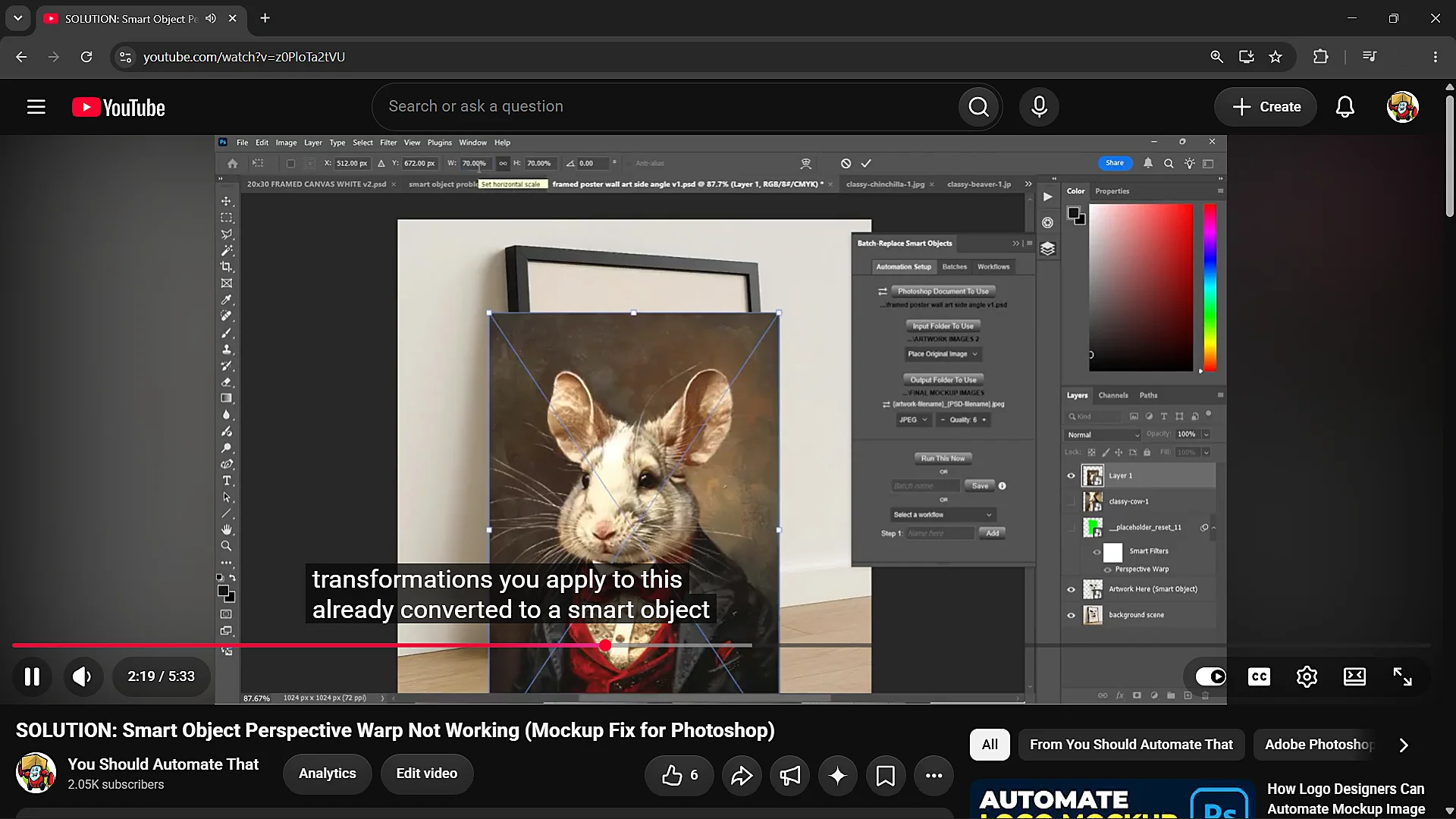
The production process has varied considerably between projects. Some videos were created entirely by Anton, who handled the process from initial concept and script development through preparing the graphics, recording software demonstrations, producing the video, and designing its accompanying thumbnail. Other projects involved coordinating with additional team members who contributed to different stages of the production process. This work gave him practical experience managing multimedia content creation workflows, coordinating creative production tasks, and developing more repeatable processes for producing educational and promotional material.
This experience is particularly relevant to Anton's work on Digital Design Hub because much of the educational content he has produced covers the same subjects addressed by the website: practical Photoshop techniques, improving the quality of digital images, completing graphic design tasks more efficiently, and identifying opportunities to automate repetitive creative work. His background therefore includes not only developing tools for these workflows, but also creating substantial amounts of instructional material explaining how they work and how people can use them.
Combining AI Assistants With Image Generation Tools
As generative artificial intelligence tools became more capable, Anton began incorporating them into his existing graphic design and creative production workflows. Rather than using image generators solely for casual experimentation, he explored how text-based AI assistants and generative image models could be combined to produce creative assets more efficiently, translate specific design concepts into detailed instructions, and support larger-scale visual production projects.
One early commercial application emerged during the later stages of his Next-Level Artwork print-on-demand business, as tools such as Midjourney became widely available. After having previously built the store's artwork collection largely through commissioned illustrations, commercially licensed images, and public-domain resources, Anton began experimenting with AI-assisted artwork generation as an additional means of developing designs for the store. He developed workflows that combined ChatGPT with Midjourney, using ChatGPT to help translate his creative objectives into detailed image generation prompts that could then be submitted to Midjourney to produce the desired artwork.
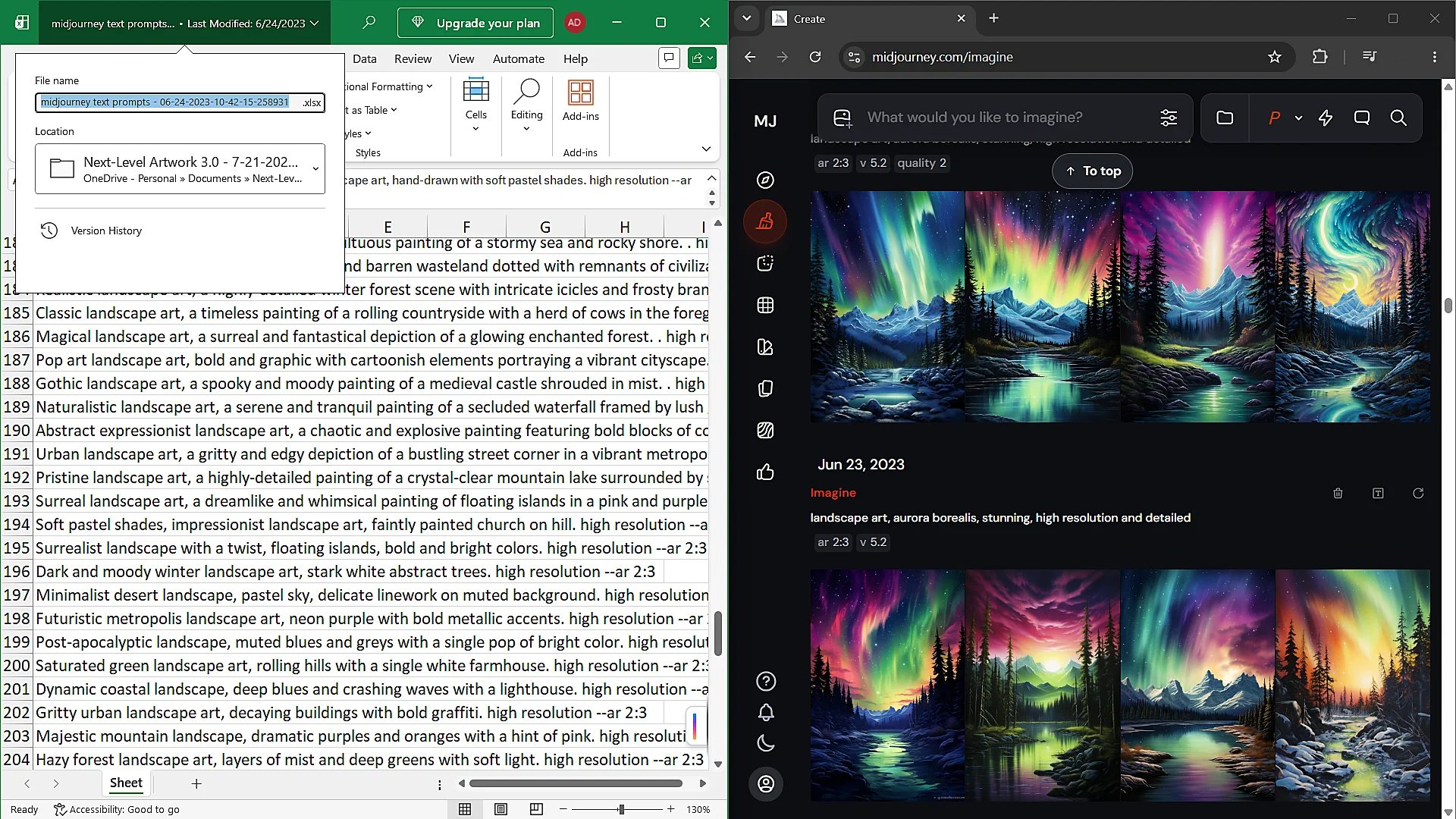
These workflows involved identifying the types of artwork, visual styles, subjects, and product collections he wanted to develop, then using text-based AI assistance to formulate more detailed and effective prompts for generating those images. Anton also gained practical experience with Midjourney's reference-image capabilities, image variations, upscaling features, and iterative editing workflows. Generated images could then be reviewed, refined, and prepared for their intended use. This approach allowed him to experiment with and produce new artwork concepts through a combination of creative direction, AI-assisted prompt development, generative image production, and conventional image editing.
Anton subsequently applied a similar approach to producing promotional and technical explainer graphics for his Photoshop software products. In particular, he used a combination of ChatGPT and Google's Nano Banana image generation models to help develop infographic-style promotional images for the nine Photoshop plugins he created after Batch-Replace Smart Objects. These graphics were intended to communicate the functionality, features, and practical benefits of the software through visually engaging compositions that combined technical information with graphic design.
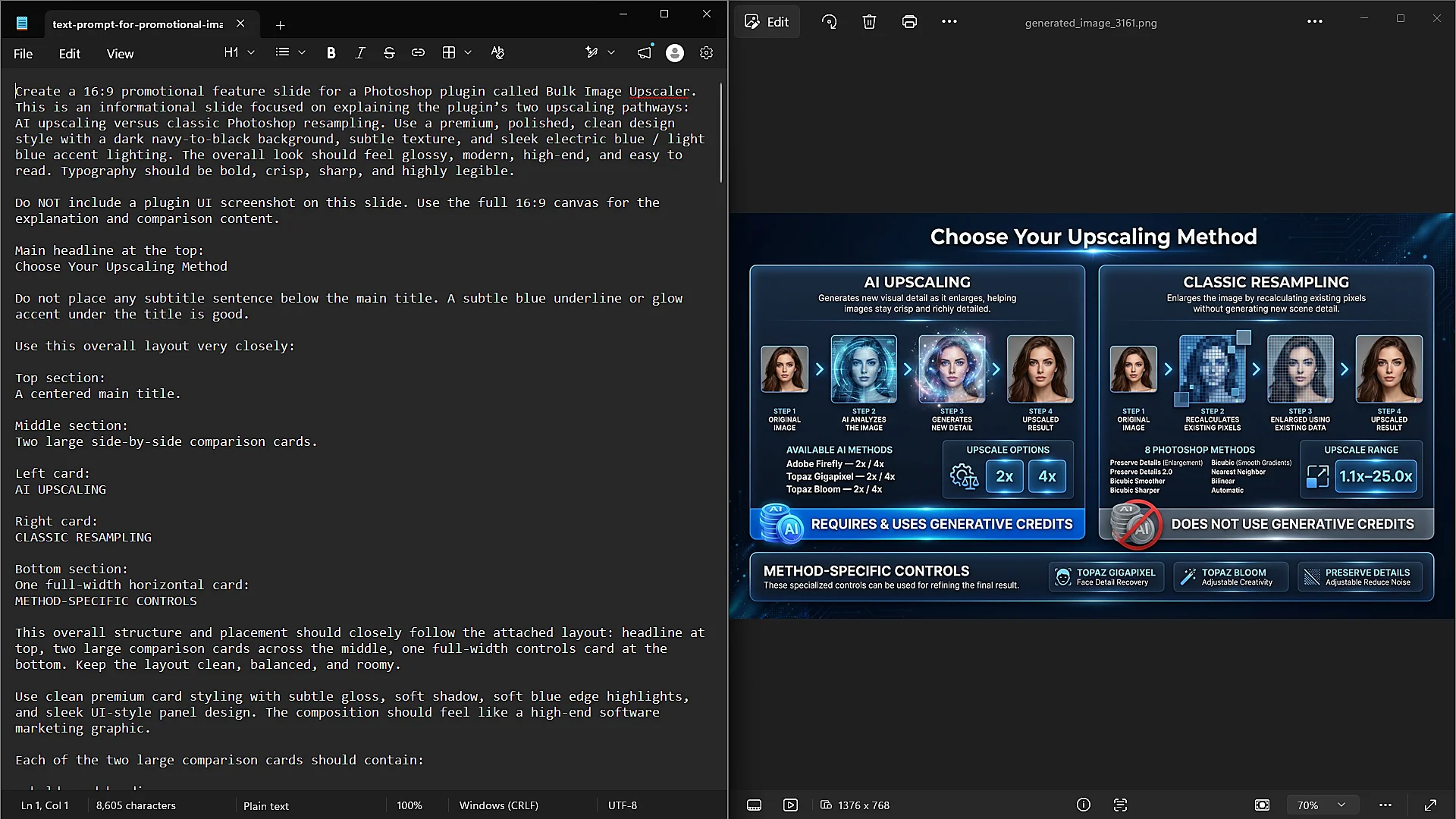
For these projects, Anton would first establish the creative direction and specify the information he wanted an image to communicate, including the software features, workflow concepts, visual elements, and overall presentation he envisioned. He then used ChatGPT to help transform those requirements into detailed image generation prompts, which were subsequently supplied to Nano Banana to produce candidate designs. The generated results could then be evaluated and refined through additional iterations and custom modifications made inside of Photoshop, until the images perfectly aligned with the intended creative and informational objectives.
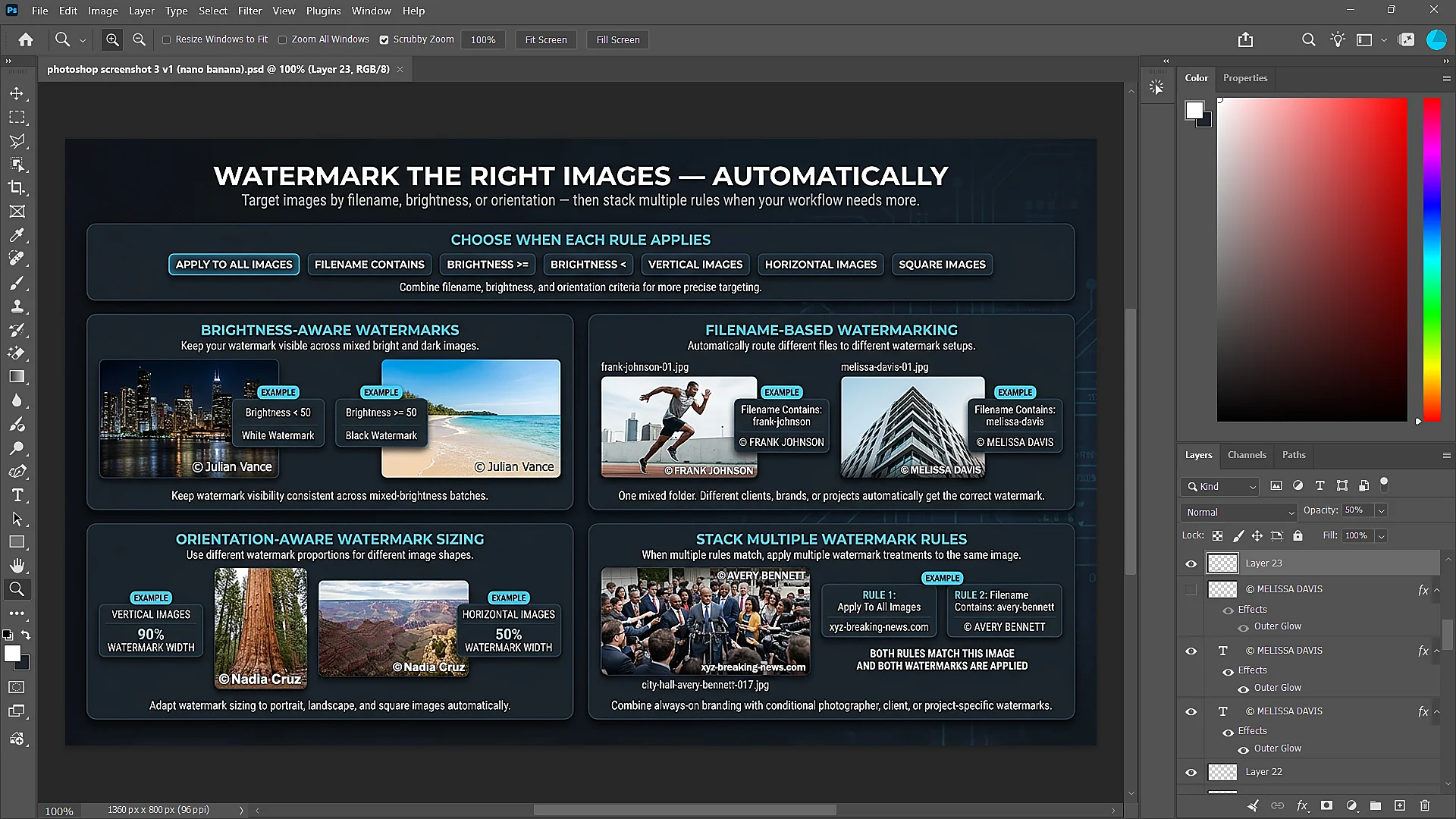
These projects provided practical experience combining the complementary capabilities of text-based AI systems and generative image models. The text-based systems helped organize requirements, develop visual concepts, and translate detailed creative instructions into structured prompts, while the image generation models helped execute those concepts visually. By combining these tools with his existing Photoshop and graphic design experience, Anton developed workflows for producing technical product illustrations, promotional infographics, and other creative assets that would otherwise require considerably more manual design work.
Additional Generative AI & Photoshop Workflows
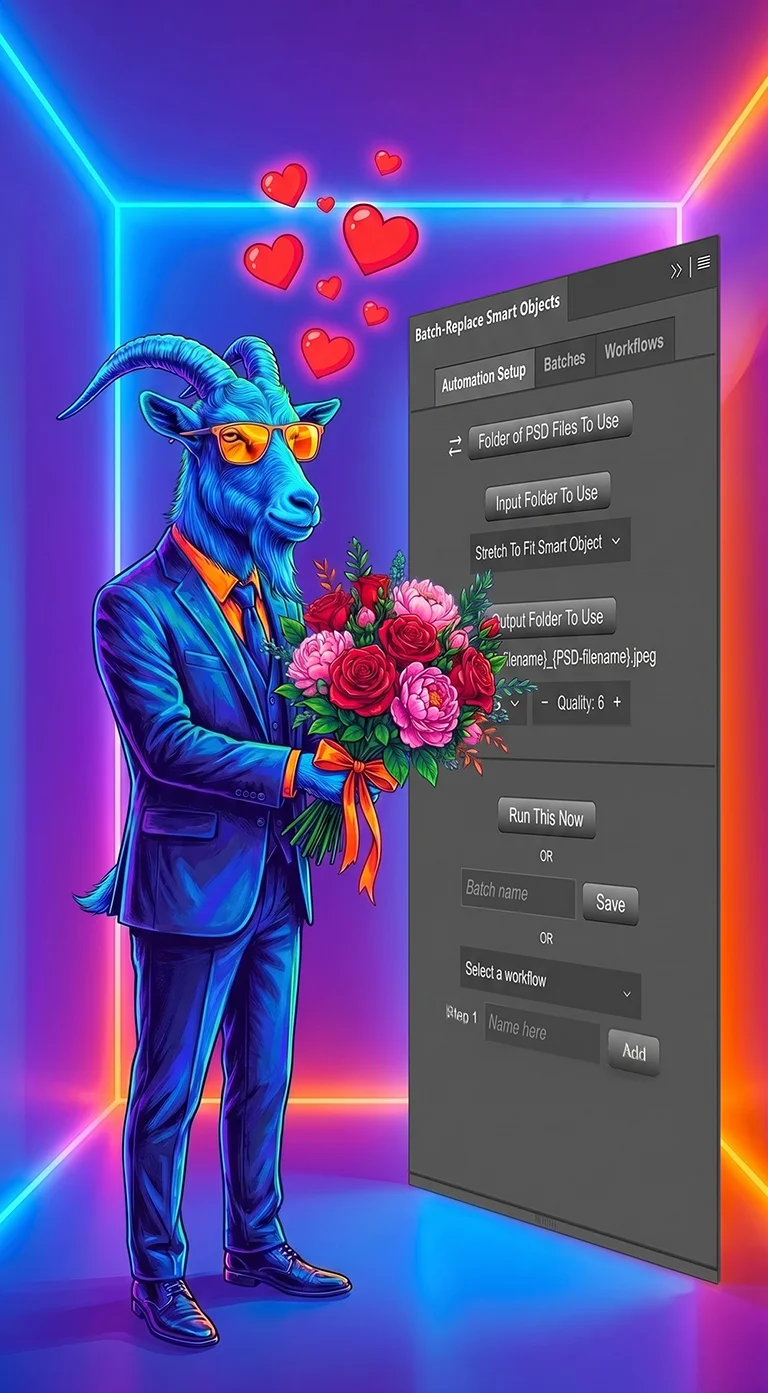
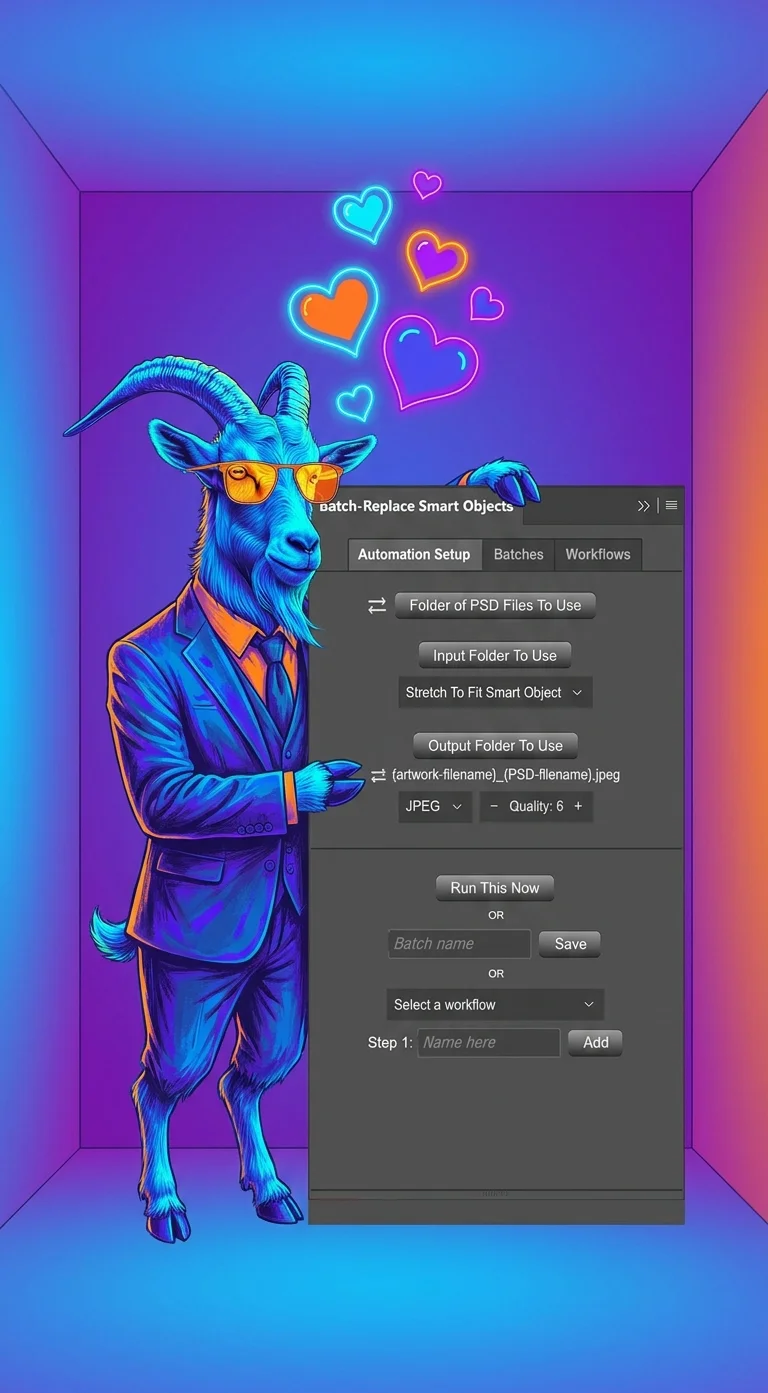
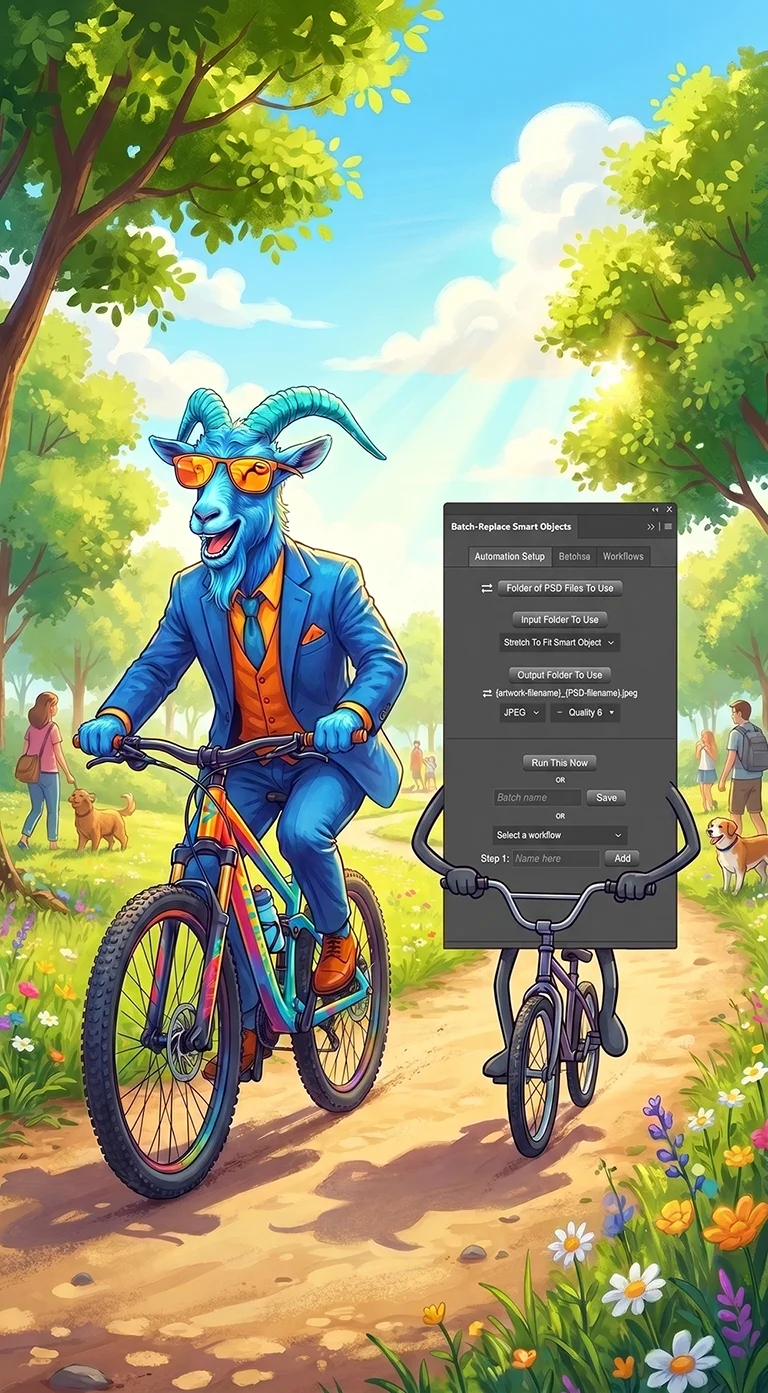
Anton has also gained practical experience with reference-image-guided AI generation, particularly using Google's Gemini Nano Banana models to produce visually consistent sets of images. These workflows have included supplying reference images of recurring characters to maintain their appearance across different scenes, compositions, and creative variations, as well as incorporating screenshots and interface elements from his Photoshop software products into generated promotional imagery. Through experimentation with reference images, detailed prompts, and iterative refinement, he has developed experience using generative AI to maintain recognizable visual elements and cohesive artistic styles across multiple images. His experience also includes generating images programmatically through Google's APIs, allowing image creation tasks to be incorporated into automated software workflows.
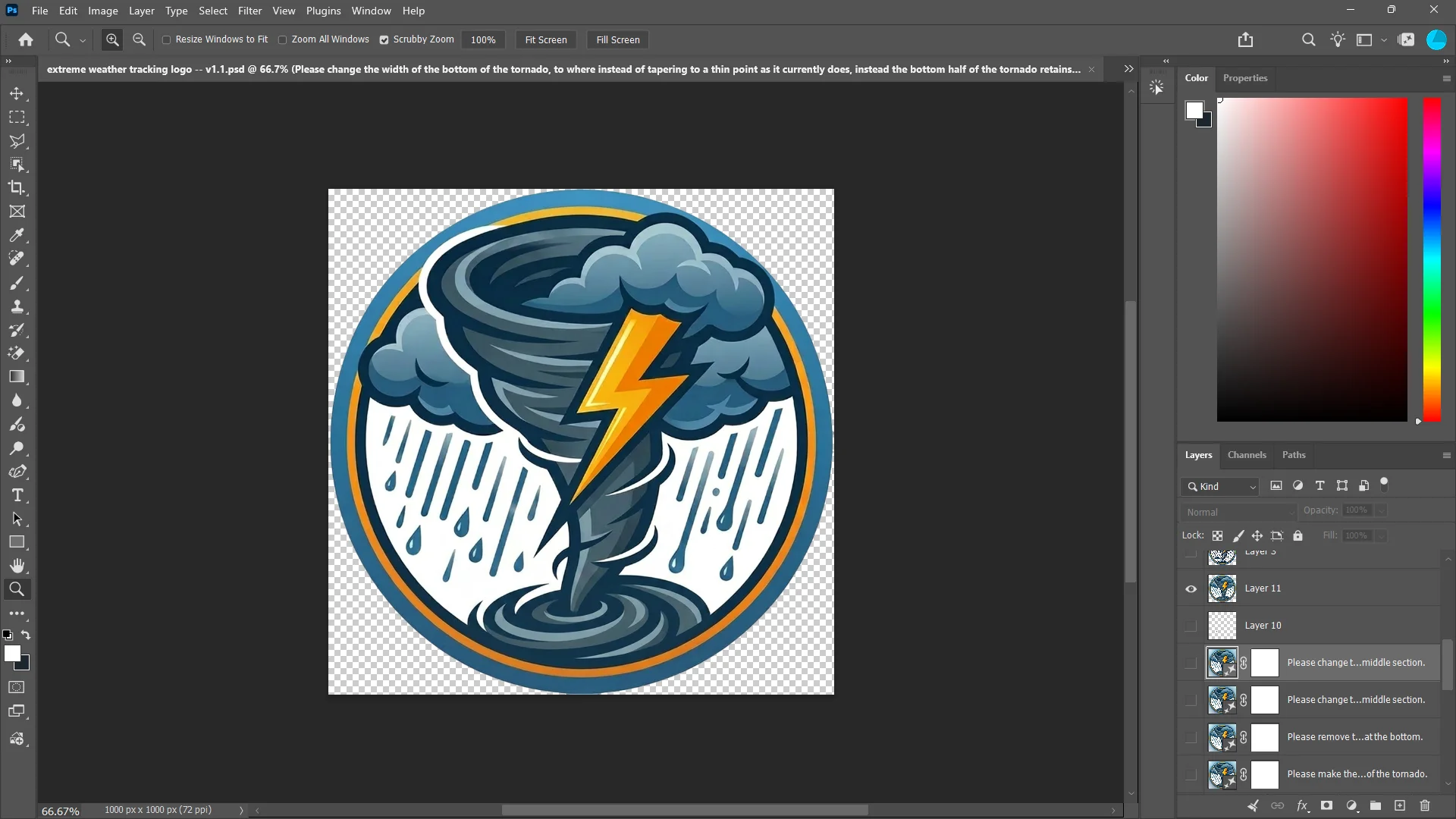
Alongside dedicated AI image generation tools, Anton has extensive experience using Adobe Photoshop's Generative Fill capabilities within conventional graphic design workflows. He has used Generative Fill to make targeted modifications to existing images, add or replace visual elements, develop composite scenes, explore alternative design concepts, and refine works in progress. These techniques have been useful across projects such as creating logos, branding materials, promotional graphics, and other digital design assets, where AI-assisted generation can be combined with traditional Photoshop editing to iteratively improve a composition while retaining control over its overall appearance.
Beyond image generation and editing, Anton has substantial experience working with other artificial intelligence tools, including OpenAI's models, Anthropic's Claude, and ElevenLabs, across software development, content creation, creative production, and business automation. His broader work in these areas reflects an ongoing interest in combining traditional creative and technical skills with emerging AI capabilities to develop more efficient workflows, improve productivity, and reduce repetitive manual work.
About Anton's Content on Digital Design Hub
On Digital Design Hub, Anton draws upon more than a decade of hands-on Photoshop and graphic design experience, extensive firsthand experience operating creative and e-commerce businesses, and years spent developing sophisticated software and automation tools for digital production workflows. Having personally encountered and solved many of the challenges faced by designers, photographers, content creators, and e-commerce professionals, he brings a practical, technically informed perspective to the subjects he writes about. His experience developing 10 commercial Photoshop plugins, building software to automate complex creative workflows, and producing more than 150 educational and promotional videos directly informs his approach to creating useful, detailed content about Photoshop, graphic design, image editing, generative AI, and creative productivity. His goal is to share practical knowledge, techniques, and solutions grounded in real-world experience that help readers improve their creative work and accomplish more with less time and effort.