Best Tools for Designing and Selling Digital Download Products


A printable workbook, a collection of digital illustrations, and an inventory spreadsheet are all digital download products. They do not need the same design software—or necessarily the same selling platform.
The useful question is not “Which tools do successful sellers use?” It is “Which tools will help me create something valuable, deliver it correctly, and make the next product easier to launch?” A beautiful listing cannot compensate for a template buyers cannot edit, artwork that looks soft when printed, or a download package with confusing instructions.
The nine tools below cover different parts of that process: designing the product, preparing image-based files, protecting public previews, taking payments, delivering purchases, and building an audience. You do not need all nine. Choose a primary creation tool and a selling platform, then add specialized tools when they solve a real production problem. Pricing and platform limits were checked in October 2026.
Canva — Build printables and editable templates with an approachable design workflow
Canva is a practical starting point for worksheets, checklists, short workbooks, invitations, and other products built around text, images, and page layouts. It is especially useful when your customer also wants to customize the design in Canva rather than learn professional desktop software.
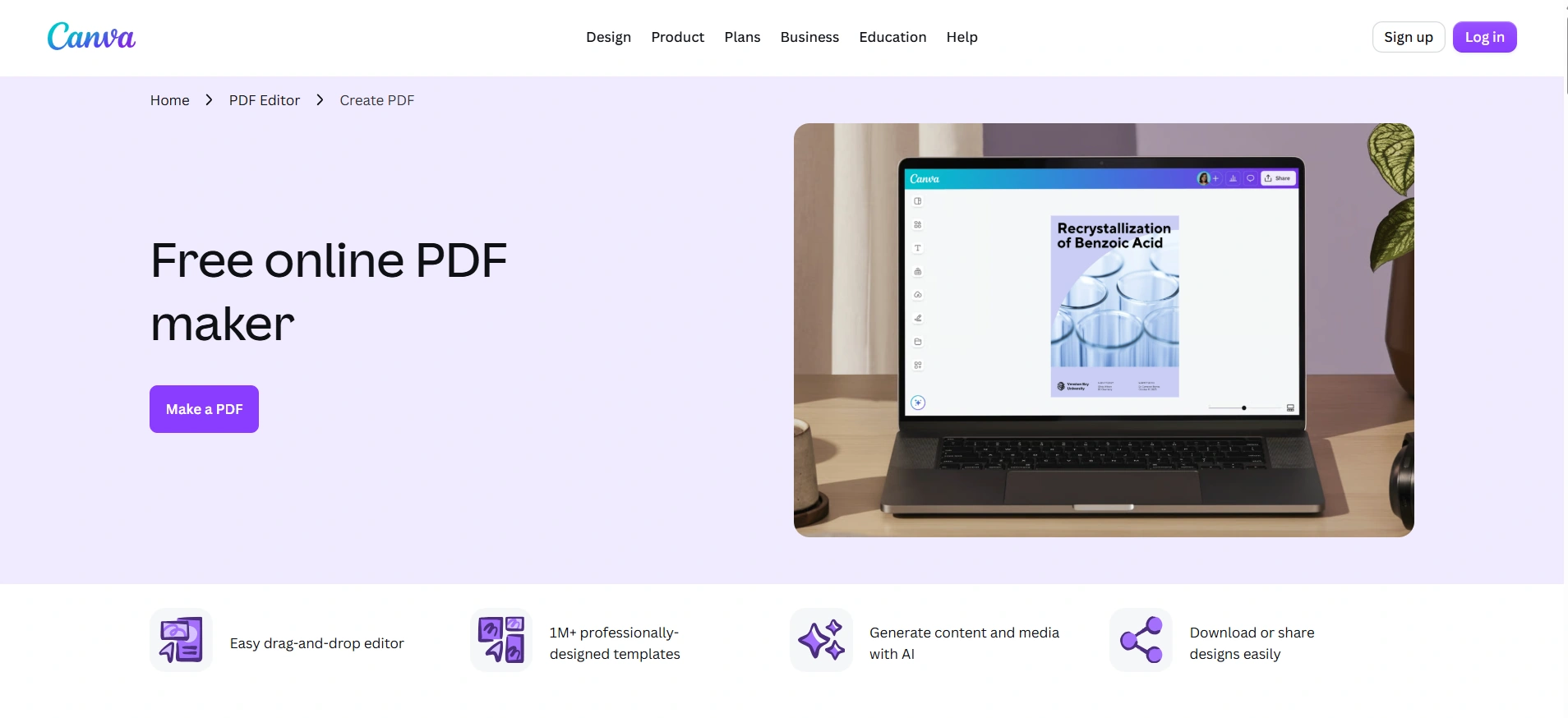
Start by deciding what you are selling. A finished PDF and an editable template are different products, even when they originate from the same design.
- A printable product needs correctly sized pages, readable typography, and clear printing instructions.
- An editable template needs a working template link, instructions for creating a copy, and an accurate explanation of what buyers can change.
- A mixed package needs those deliverables separated clearly, so buyers do not mistake a preview or instruction sheet for the actual product.
For printables, Canva offers PDF Print export; PDF Standard is oriented toward digital documents. Make a physical test print before selling a workbook or planner. Check writing space, margins, small text, and whether decorative backgrounds make an everyday worksheet unnecessarily expensive to print.
For editable products, use a Canva template link rather than giving customers editing access to your working master. Creating template links requires an eligible Canva plan, including Pro. Test the buyer experience using an account that matches the access level advertised in your listing—particularly if you promise that customers can use the product with Canva Free.
The licensing distinction matters, too. Canva’s guide to creating products for sale explains that library content cannot be resold on a standalone basis. Taking a stock illustration and selling it as downloadable clip art is not the same as incorporating licensed content into an original workbook. Editable templates containing Pro Content must be sold through Canva template links.
Choose Canva for accessible layouts and Canva-based customization. Do not choose it on the assumption that everything in its library can become a resale asset.
Affinity — Create original vector assets and carefully structured publications
Affinity is a strong choice when the product requires more control over original illustration, typography, or multi-page layout. Its current desktop application combines vector, pixel, and layout tools, and is free for individuals with a Canva account.
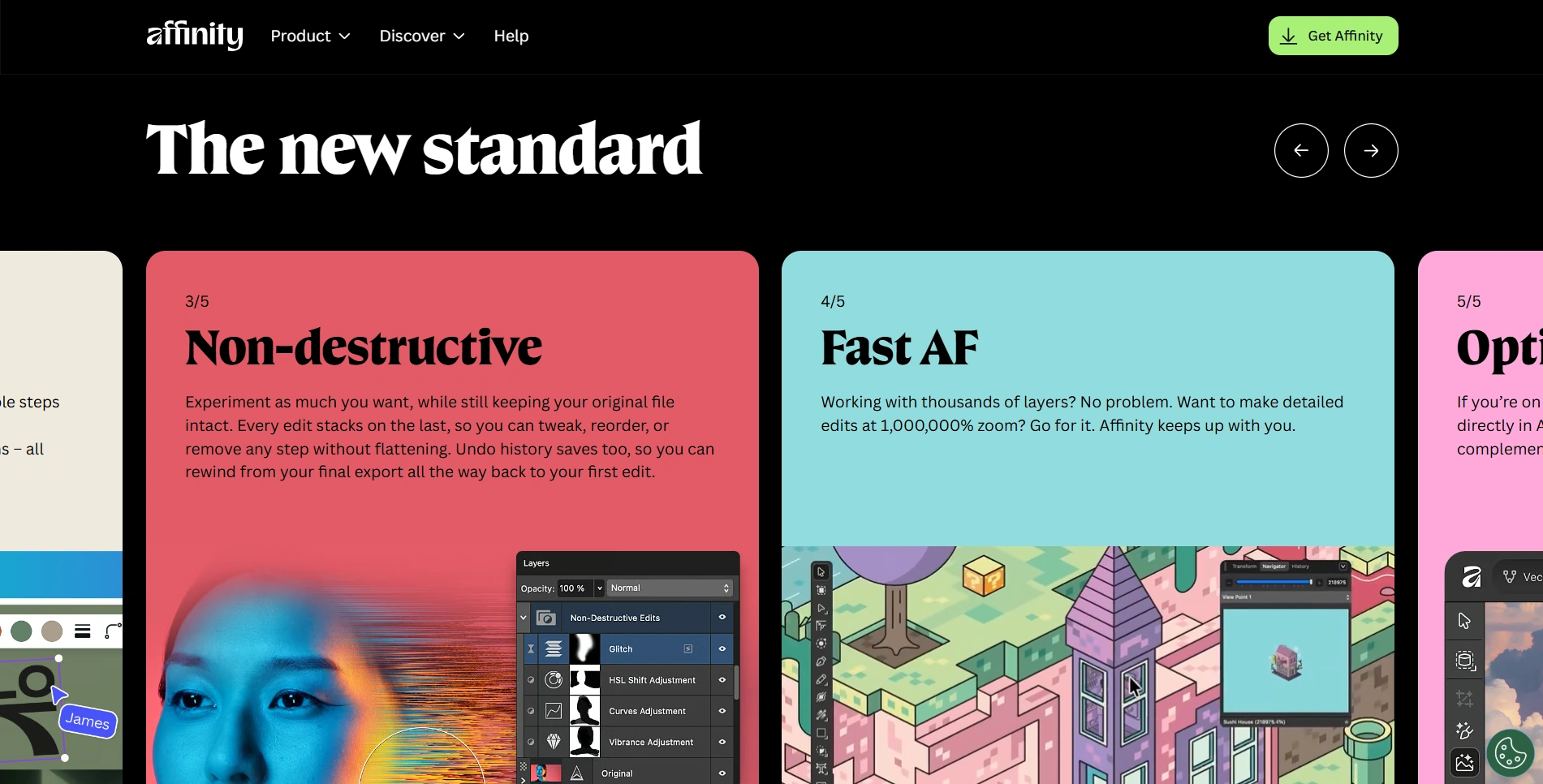
That makes it worth considering for original SVG collections, illustrated printable sets, detailed workbooks, and publications where consistent formatting matters across many pages. The advantage is not simply having more drawing tools. It is being able to build a product around reusable design decisions instead of adjusting every page independently.
Affinity’s Layout Studio includes master pages and shared text styles. For a substantial workbook, use those features to establish page numbers, recurring headings, margins, and exercise layouts. If you later change a heading style or recurring page element, the document is easier to maintain.
Match the delivered format to the buyer’s task:
- Use PDF for finished multi-page publications and printable layouts.
- Use SVG when customers need vector artwork for compatible design or crafting software.
- Use PNG or JPEG when the product is intended to be used as raster artwork.
- Include an editable Affinity source file only when that is part of the offer, and state the software requirement clearly.
A useful download package might contain the finished files, a short “Start Here” PDF, and a document explaining the usage permissions you are offering. If customers need additional fonts, provide their names and appropriate download links rather than casually bundling font files without checking their licenses.
Before publishing, open the exported files outside your working document. Check that the SVG behaves correctly in the intended destination software, the PDF has the expected page count, and every advertised variation is actually included. The buyer purchases the exported product—not your beautifully organized source file.
Google Sheets — Turn practical expertise into interactive templates
Google Sheets deserves a place on this list because not every valuable digital product is primarily visual. Inventory trackers, content calendars, project estimators, application trackers, and event-planning systems can be useful precisely because they perform work for the buyer.
Choose Sheets when your product’s value comes from organizing information, calculating results, or making a repeated decision easier. Anyone with a Google account can create spreadsheets in Sheets, although some additional features require paid plans.
A sellable spreadsheet needs more than attractive colors. Give it an understandable interface:
- A “Start Here” tab that explains the workflow.
- Clearly identified input cells, so customers know where to type.
- Calculation areas separated from ordinary data entry.
- A dashboard or summary that explains what the results mean.
- A realistic example that demonstrates the product without exposing private information.
Use protected ranges or editing warnings to reduce accidental changes to formulas. Treat these as usability safeguards, not copy protection: Google explicitly warns that spreadsheet protection is not a security measure.
For delivery, a short PDF can contain a view-only link to the template and instructions to select File, then Make a copy. Configure the sharing permissions so customers can access and copy the template without editing your master.
Test the product with blank inputs, zero values, additional rows, and deliberately incorrect entries. A tracker that works only with your demonstration data is not ready to sell. If you also advertise Excel compatibility, test that version separately rather than assuming that every formula, chart, and validation rule transfers perfectly.
The strongest positioning is specific: “Inventory tracker for a small handmade jewelry business” communicates a clearer job than “Ultimate business spreadsheet.” Design the workflow around that customer’s actual decisions.

Bulk Image Upscaler — Prepare high-resolution artwork without repeating the same Photoshop steps
Image-based downloads introduce a different production challenge: the artwork may look good on screen but lack the pixel dimensions needed for the print sizes you want to offer.
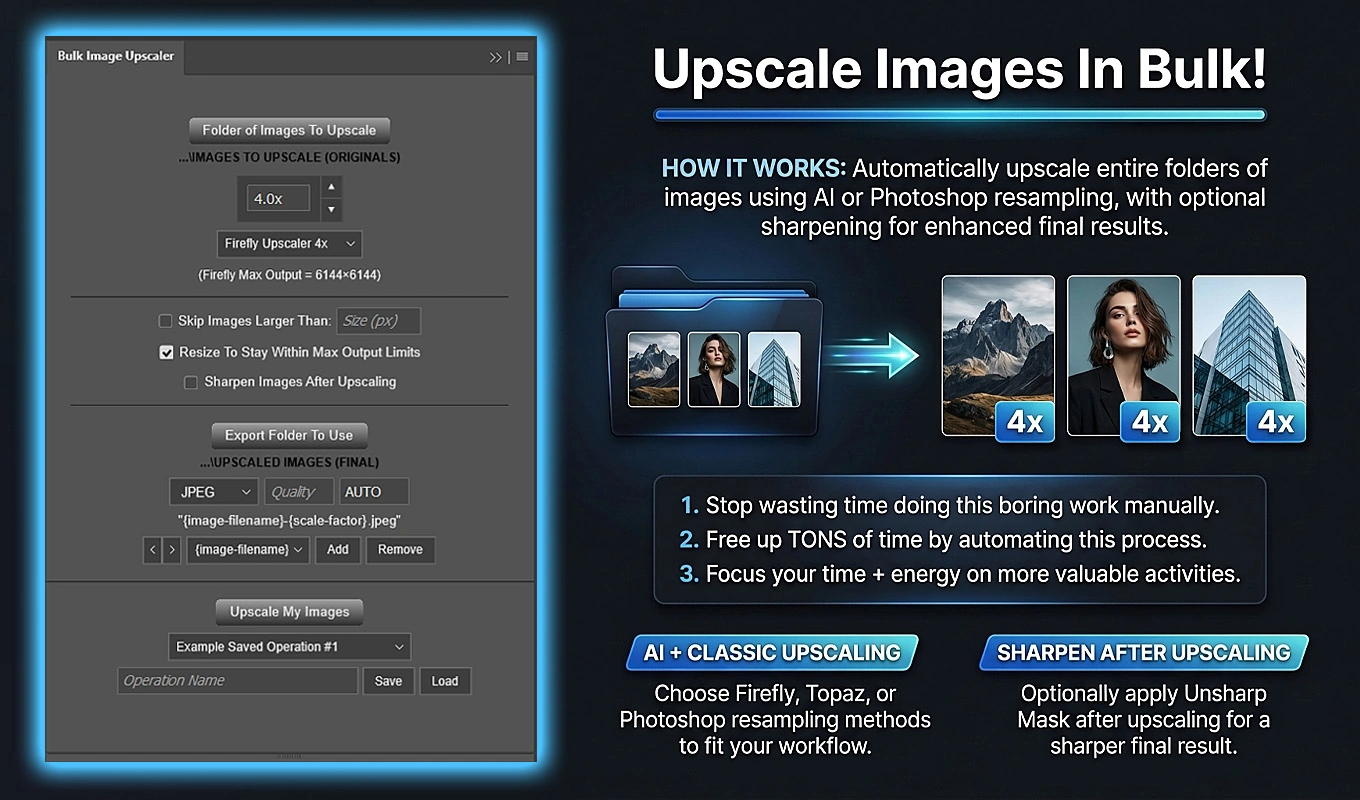
Bulk Image Upscaler: Batch-Enhance Resolution is a Photoshop plugin that automates enlarging and exporting a folder of images. It is particularly relevant to digital art collections, illustrated backgrounds, and other raster products where manually processing every composition becomes repetitive.
Start with the required pixels, not a vague “high-resolution” label
For example, a 12-by-18-inch raster print at 300 pixels per inch requires 3600-by-5400 pixels. An 1800-by-2700-pixel composition could reach those dimensions through a 2× enlargement. Adobe’s explanation of pixel dimensions and print resolution clarifies the relationship: changing the resolution setting alone does not add image data.
The plugin offers Firefly Upscaler, Topaz Gigapixel, and Topaz Bloom in 2× and 4× variants through Photoshop’s Generative Upscale functionality. AI upscaling can help produce larger artwork with greater apparent detail and clarity, making it useful when a promising base image is too small for its intended output.
It is still a finishing decision, not a guarantee. Examine textures, fine edges, faces where relevant, and any lettering before approving the result. For designs containing important typography, consider enlarging the raster artwork first and adding the text afterward at the final composition size.
Batch the production work once the treatment is approved
After testing representative images, place the artwork directly in one source folder, choose the upscaling method, configure any optional sharpening, and export the results to a separate destination. The plugin handles opening, processing, exporting, and closing each source document without saving changes to the original file.
It also offers standard Photoshop resampling methods with custom enlargement factors from 1.1× to 25.0× when a non-generative workflow is more appropriate. The AI methods use Generative Credits and require acknowledgement before processing.
For sellers, two particularly useful features are skipping source images above a chosen size and including actual exported dimensions in filenames. Those controls help avoid unnecessary processing and make a large download collection easier to package accurately.
AI model limits can change the effective enlargement for oversized images. Verify the final dimensions before promising a maximum print size in the listing. The real value is automating a reviewed treatment across the collection—not assuming that the largest multiplier always produces the best product.
Bulk Image Watermarker — Show detailed previews without publishing clean sale files
A high-resolution preview can help customers judge brushwork, texture, and small design details. It can also become an unpaid substitute for the product if you publish the clean artwork itself.
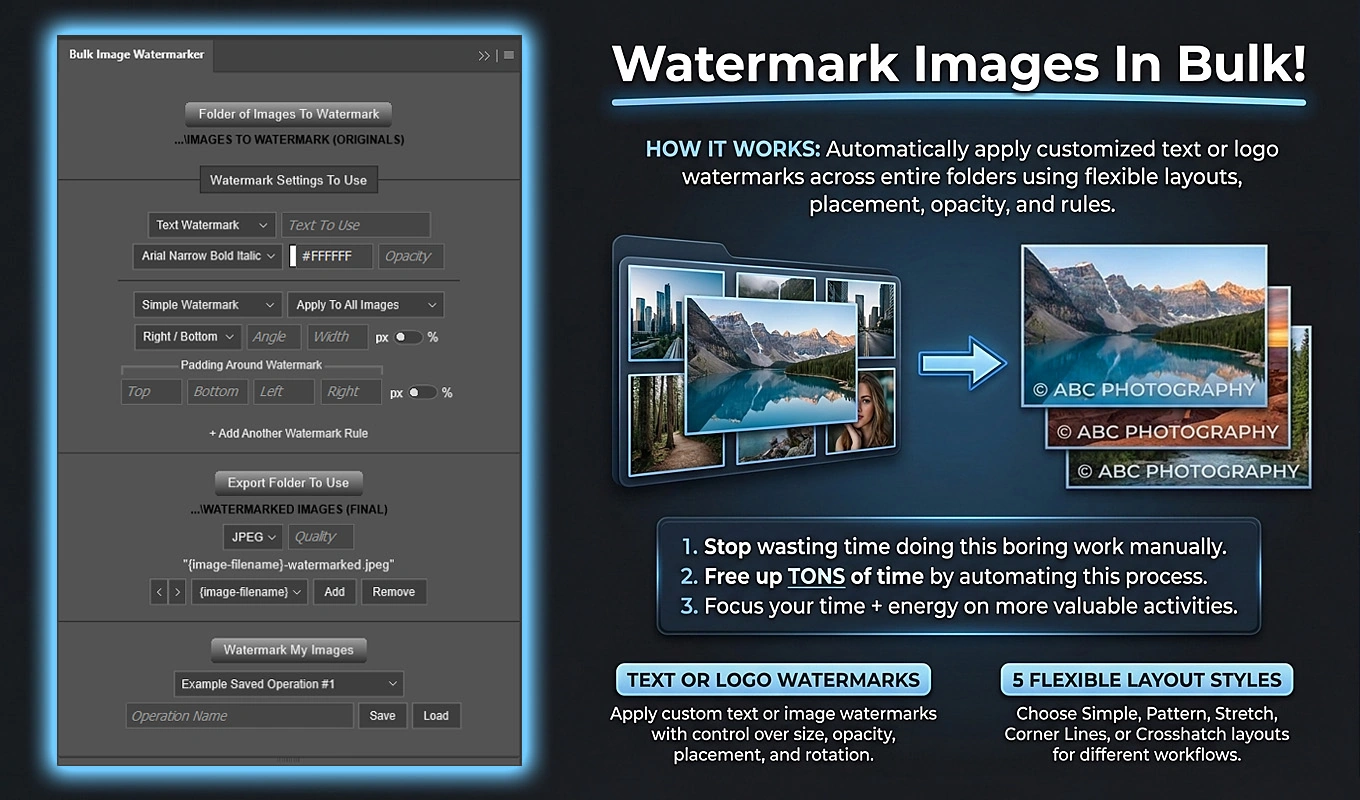
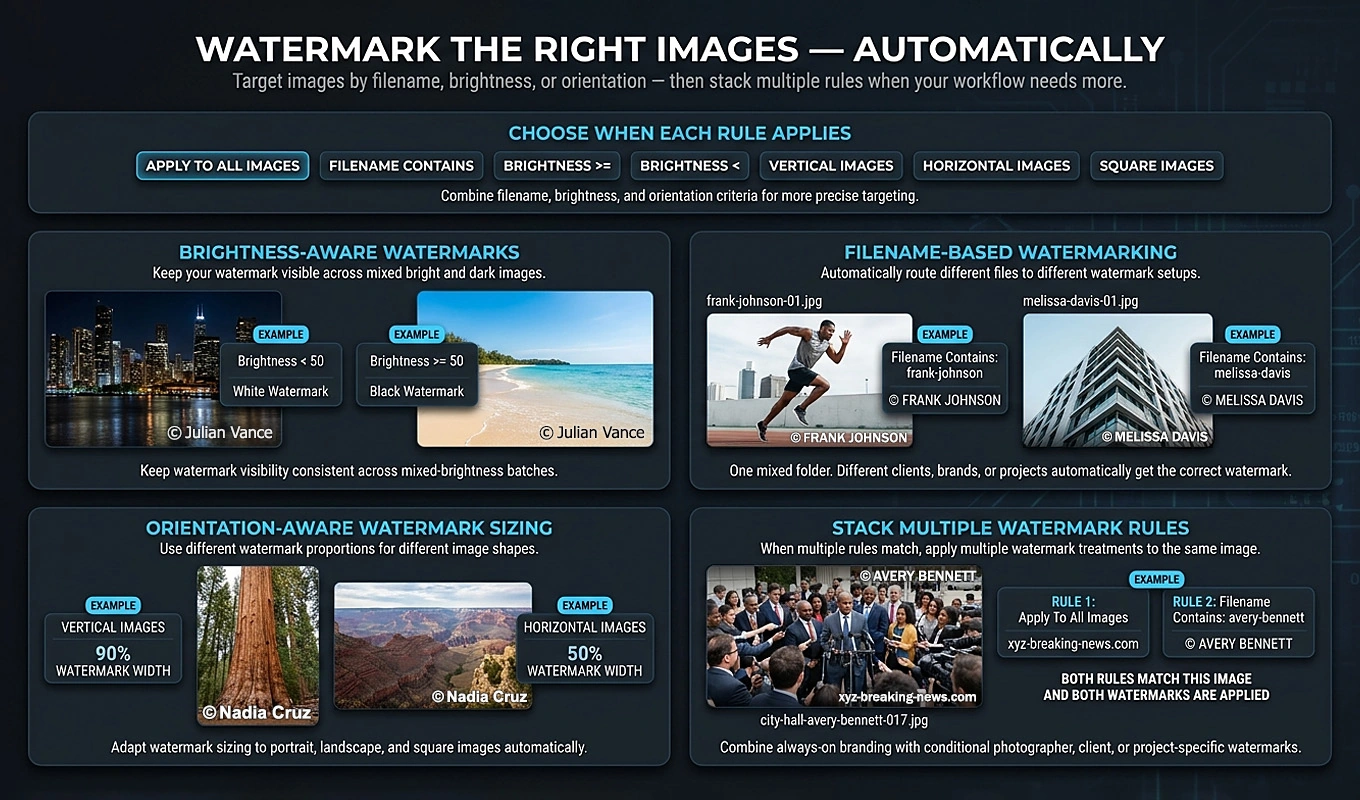
Bulk Image Watermarker: Automated Batch Logos helps Photoshop users automate the repetitive work of adding text or image watermarks to preview images. Instead of placing, sizing, positioning, and exporting a watermark separately for every design, you configure rules and apply them across a folder.
Watermarking is a deterrent, not a guarantee against copying. Its practical purpose here is to make public previews useful for evaluation without presenting an immediately usable, unmarked version of the paid design.
A reusable preview-only workflow
Keep clean customer deliverables and public previews in separate folders. Then build a watermark operation around the preview exports:
- Create a Pattern Watermark rule using text such as “PREVIEW” and your shop name. Adjust the watermark width, spacing, angle, and opacity so the design remains understandable.
- Add a Simple Watermark rule using your logo or brand text, positioned consistently with suitable edge padding.
- Use percentage-based watermark width when the previews have different pixel dimensions, so the mark remains proportional.
- Export the watermarked images into a dedicated public-preview folder and save the operation for future collections.
The two qualifying rules combine on the same image, which is exported once. This is useful when you want both a visible protective pattern and recognizable branding.
The plugin supports text and image watermarks, with five layouts: Simple, Pattern, Stretch, Corner Lines, and Crosshatch. For downloadable artwork, Pattern and Crosshatch can be useful when a small corner logo would leave most of the composition unmarked. Simple Watermark is better suited to restrained branding or an additional shop identifier.
Rules can also target images by filename, brightness, or orientation. For example, portrait and landscape previews can receive different placements without manually separating them into independent jobs.
The time-saving benefit grows with the catalog: a saved workflow lets you prepare another collection without recreating every watermark. Originals remain unchanged because results are exported separately.
Use the previews to demonstrate the product honestly. Show the overall composition and meaningful detail views, explain that purchased files are unwatermarked, and never accidentally attach the clean high-resolution deliverables as public listing images.
Etsy — Reach marketplace shoppers and investigate product demand
Etsy is worth considering when your product fits a recognizable shopping task: printable wall art, invitations, craft files, planners, or similar designed downloads. Its distinguishing value is marketplace discovery. You are placing the product where people can search for something they already want.
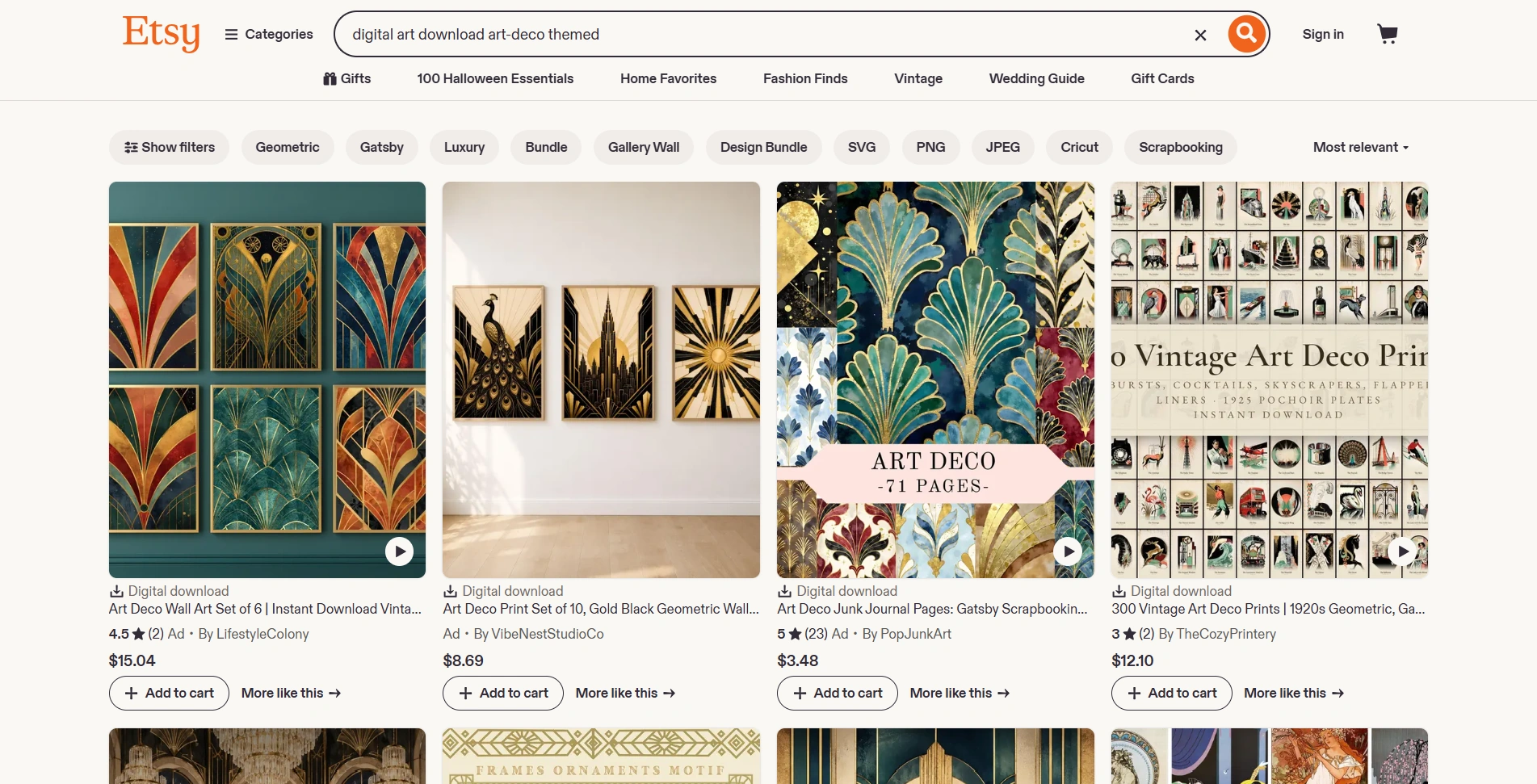
That does not mean uploading a listing guarantees traffic or sales. It means product selection, search language, and presentation deserve as much attention as the design itself.
Use search data before designing a large bundle
Etsy’s Marketplace Insights provides real Etsy search data, including keyword searches and listing counts. Sellers can currently explore up to 15 keyword searches per week for free.
Use those searches to compare specific customer jobs rather than broad categories. For example, investigate terms around a particular classroom activity, event type, room style, or organizational problem. Search data can inform demand research, but it does not tell you whether your particular product will convert. Examine the actual listings to understand what customers receive and where your offer could be meaningfully different.
Plan packaging around Etsy’s digital listing requirements: instant-download listings accept up to five files, with a maximum of 20 MB per file. ZIP files are supported, and digital listings do not support variations. Decide whether buyers receive a complete bundle or whether genuinely different versions need separate listings.
Your listing should answer five questions without making shoppers guess:
- What exact files are included?
- Is this a digital download rather than a shipped item?
- What software or account does the buyer need?
- What can be edited, and what print sizes are supported?
- What usage permissions are included?
Budget for the full fee structure. Etsy publishes a $0.20 listing fee and a 6.5% transaction fee; U.S. Etsy Payments processing is generally 3% plus $0.25. Setup and advertising fees may also apply. Calculating your margin using only the transaction percentage understates the cost.
Choose Etsy when marketplace search is part of your customer-acquisition strategy. Make the product genuinely yours: Etsy requires digital items to be made or designed by the seller.
Payhip — Build a direct storefront with straightforward digital delivery
Payhip is a useful choice when you want a dedicated storefront and expect to bring customers through your own content, email list, community, or advertising. Its store builder supports a custom domain, allowing the shop to sit under your brand.
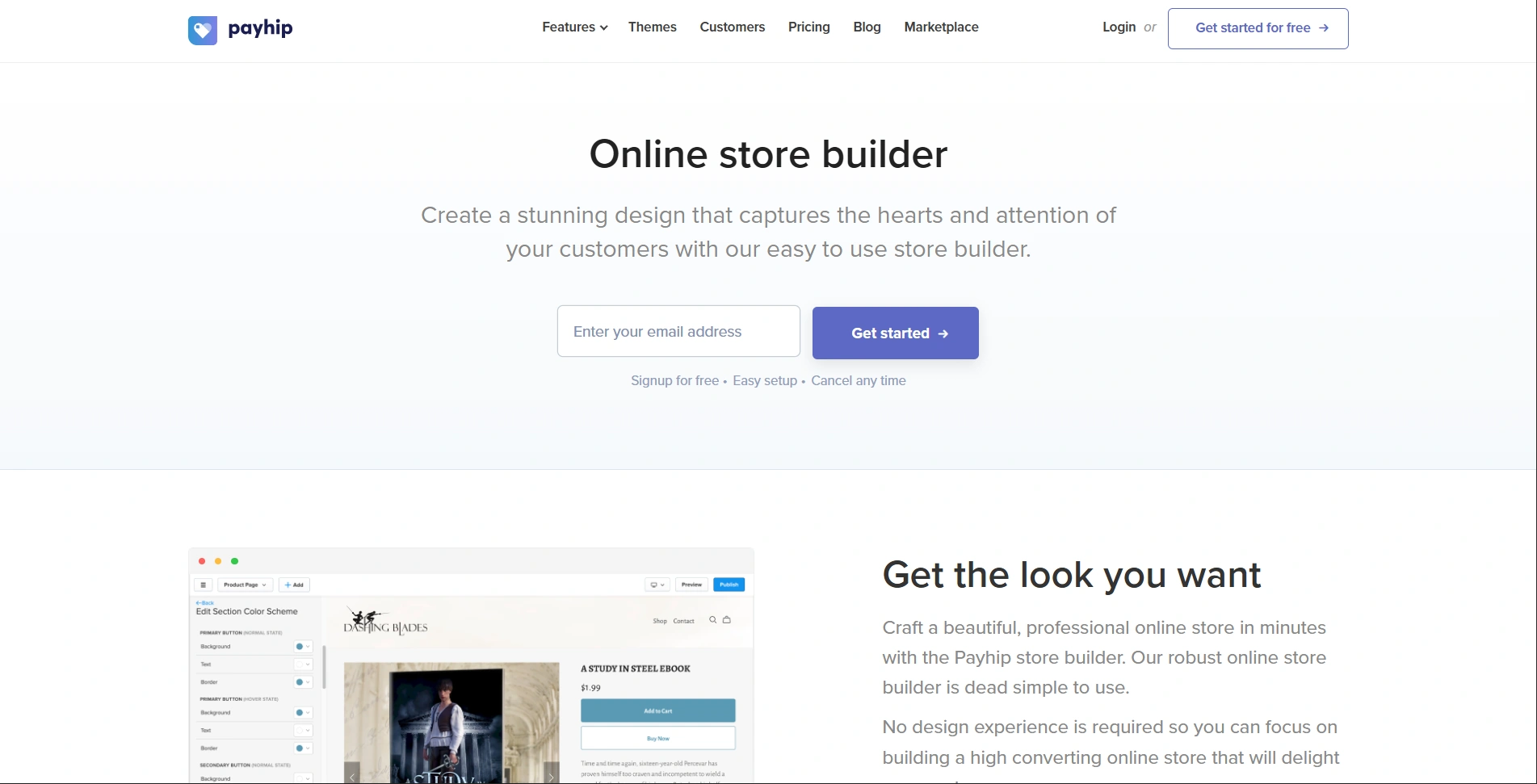
For larger download products, the delivery capacity is relevant: Payhip’s digital product setup guide permits multiple uploaded files, with a limit of 5 GB per file. That gives image collections and substantial resource bundles considerably more packaging room than a small marketplace attachment limit.
More room should not mean less organization. Separate the product files from instructions, use descriptive filenames, and give customers a clear starting point. A large folder of unexplained exports is not automatically a premium bundle.
Let the fee calculation choose your plan
Payhip’s published plans are:
- Free Forever: $0 per month plus a 5% transaction fee.
- Plus: $29 per month plus a 2% transaction fee.
- Pro: $99 per month with no Payhip transaction fee.
Payment processor fees still apply. All three plans include the same features, so there is little reason to upgrade merely because a paid plan sounds more professional.
Based solely on those platform fees, Plus becomes less expensive than Free at roughly $967 in monthly sales: the three-percentage-point saving offsets the $29 subscription. Pro becomes less expensive than Plus above $3,500 in monthly sales. Recalculate if the published rates change.
Payhip also supports preview files and different product versions. Those options are useful when offering a sample alongside a complete product or clearly distinguished packages—not when padding an offer with arbitrary tiers.
Before launch, use Payhip’s suggested 100%-off coupon test to walk through checkout and delivery. Download the actual files, open the instructions on a phone, and verify every template link. A functioning product page is only the beginning; the post-purchase experience must work too.
Gumroad — Sell through direct links with merchant-of-record checkout
Gumroad is a sensible option for creators who want to sell through a direct product link and value its merchant-of-record model. Gumroad handles transaction sales-tax collection and remittance worldwide. That is a checkout benefit, not a replacement for your business bookkeeping.
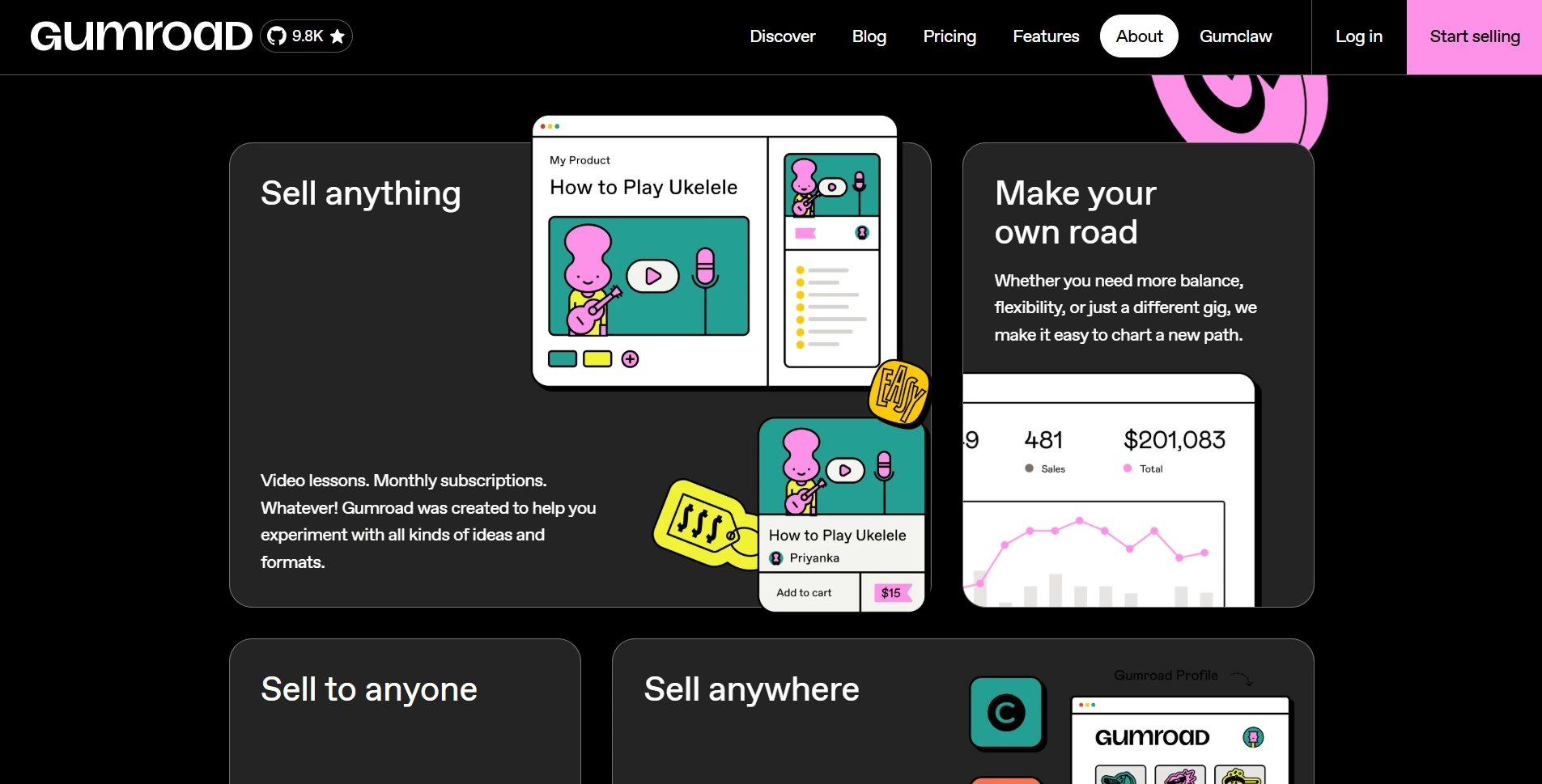
It suits downloadable resources, art packs, guides, and templates sold to an audience you already reach. Customers can purchase without creating a Gumroad account and access the content through the download link in their receipt.
The important tradeoff is cost. Gumroad’s fee explanation lists a standard direct-sales fee of 10% plus $0.50, excluding card processing of 2.9% plus $0.30 or applicable PayPal fees. Discover marketplace sales have a flat 30% fee that includes processing.
For a $10 direct sale paid by card, those published base platform and processing fees total $2.09 before applicable taxes. Fixed per-sale charges matter especially for inexpensive products. Do the arithmetic before deciding whether to sell individual $3 assets or a more substantial collection.
That does not make bundles automatically better. Bundle items that solve a coherent customer problem, not unrelated files assembled merely to increase the price.
Gumroad provides a test-purchase feature for checking checkout, emails, and file delivery. Use it instead of paying for your own product with a real card. Then inspect the package as a customer would: download it, unzip it if necessary, and follow the instructions without relying on knowledge you already have as the creator.
Choose Gumroad when direct-link selling and its checkout tax handling justify the fee structure for your business. Compare that convenience with Payhip’s storefront and pricing, rather than assuming that every digital-selling platform performs the same job at the same cost.
Kit — Build an audience for the next product, not just the current launch
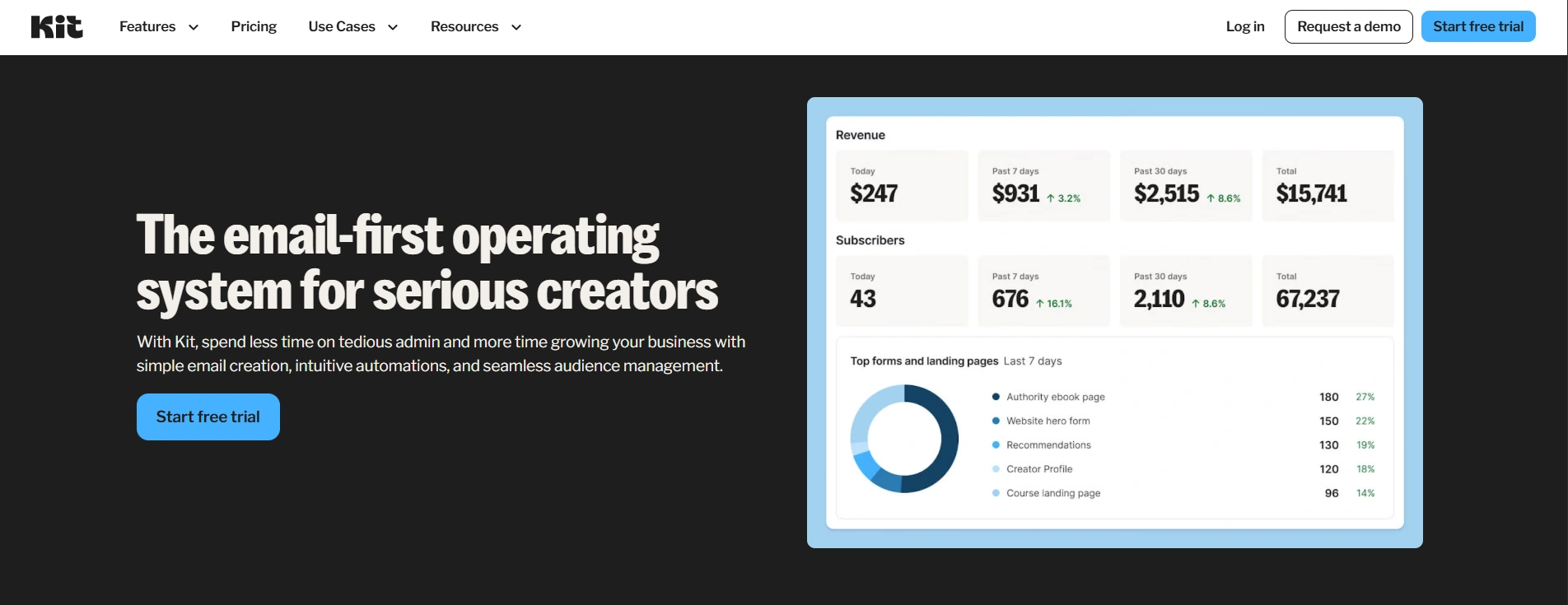
Kit is an email marketing tool for creators, making it useful once you want a repeatable way to introduce products to interested people. Its Free plan currently supports up to 10,000 subscribers, unlimited forms and landing pages, email broadcasts, and audience tagging. Automated sequences and visual automations require a paid plan.
The most useful starting point is a sample that demonstrates the paid product’s value. Offer one complete worksheet from a workbook, a small original illustration sample, or a limited tracker that performs a real task. Avoid a generic freebie that attracts people with no interest in the products you intend to sell.
Your landing page should explain who the sample is for, what it helps them do, and what emails they are signing up to receive. Ask for permission rather than treating every available customer address as a marketing subscriber; Kit’s subscriber import guidance emphasizes permission.
A simple product-focused email approach can be more useful than an elaborate funnel:
- Deliver the sample and explain the first action to take.
- Show a specific use case or answer a common question.
- Introduce the paid product as the next step, with a clear explanation of what it adds.
Send these manually as broadcasts when appropriate, or use sequences on an eligible paid plan. Segment around genuine interests—such as printable art, classroom materials, or business trackers—so later recommendations remain relevant.
You can also use replies as product research. If people repeatedly struggle with the same instruction, file format, or missing example, improve the product before expanding the catalog. Marketing should help you understand the customer, not merely increase the number of launch emails.
For a lean starting setup, choose Canva or Affinity for designed products, or Google Sheets for interactive templates. Add Etsy when marketplace search matters, Payhip when a branded direct store fits, or Gumroad when its checkout model is worth the fees. Use the Photoshop batch tools when an image-heavy catalog creates repetitive resolution or preview-protection work, and add Kit when you have a relevant sample and something useful to say. Make one product easy to buy, open, and use before multiplying the tools—or the listings.